Instal ZYBERMART

Buka semua alat dari layar utama atau dock, di jendelanya sendiri. Alat yang pernah Anda gunakan juga bisa dipakai offline.

Konverter WEBP ke PNG

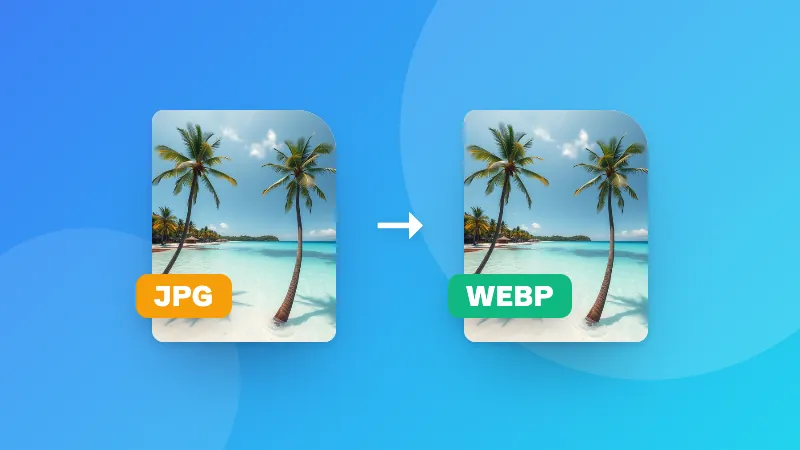
Ubah gambar WEBP ke PNG dengan kualitas penuh dan transparansi tetap terjaga. File dikonversi di perangkat Anda.

    How to convert WEBP to PNG

    1. Click Choose WEBP images or drag your files onto the box above.
    2. Each image is converted to PNG instantly in your browser.
    3. Download them one by one, or click Download all to get a ZIP file.

    WEBP vs PNG

    FeatureWEBPPNG
    File sizeSmallLarger
    QualityLossy or losslessAlways lossless
    TransparencyYesYes
    CompatibilityModern browsers and appsVirtually everything

    Need a smaller file instead? Convert to JPG with our image compressor, which also accepts WEBP.

    Frequently asked questions

    What is a WEBP file?

    WEBP is an image format created by Google that makes images smaller than JPG or PNG at similar quality. Most websites now serve images as WEBP, which is why images you save from the web often end up as .webp files.

    Why convert WEBP to PNG?

    Some older programs, image editors, printing services and upload forms don't accept WEBP. PNG works almost everywhere and keeps full quality, including transparent backgrounds.

    Will I lose quality converting WEBP to PNG?

    No. PNG is lossless, so the converted image looks exactly like the WEBP you started with. The file may be larger, because PNG compresses less aggressively.

    Is it safe to convert my images here?

    Yes. The conversion runs in your browser and your images are never uploaded to a server.

    Masuk ke ZYBERMART

    Simpan CV, invoice, flashcard, catatan, dan alat tersimpan Anda di semua perangkat. Gratis, dan semua alat tetap berfungsi sama tanpa akun.

    atau

    Tanpa kata sandi. Dengan masuk, Anda menyetujui ketentuan kami; lihat cara kami mengelola data Anda di kebijakan privasi.

    Akun Anda

    Saat keluar, salinan pekerjaan Anda tetap tersimpan di browser ini. Di komputer bersama, hapus data browser setelahnya.

    Apa yang ingin Anda buat?

    Desain

    Media sosial

    Dokumen

    Belajar

    Edit

    Lihat semua 282 alat