Instalar o ZYBERMART

Abra qualquer ferramenta pela tela inicial ou pelo Dock, em uma janela própria. As ferramentas que você já usou também funcionam offline.

Planejador de treinos

Planeje uma semana de treinos a partir de um plano pronto ou do seu, e marque cada exercício ao fazer.

How to use the workout planner

  1. Pick a plan to start from, or a blank week.
  2. Change the exercises, sets and reps to suit you.
  3. Tick exercises off as you do them, and start a new week each Monday.

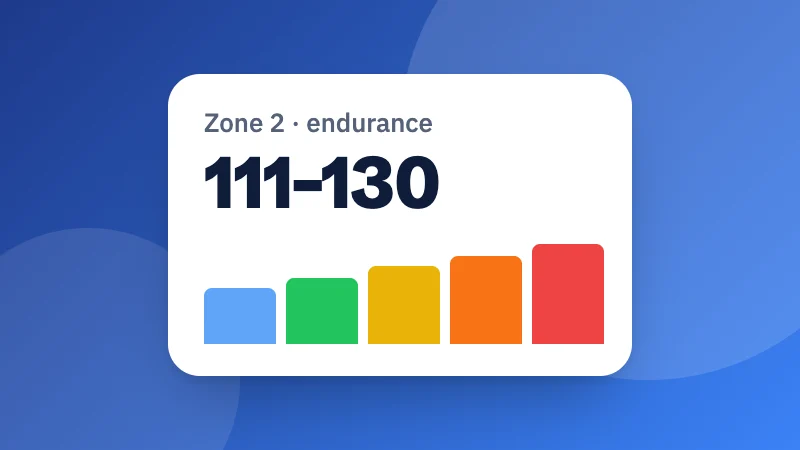
Working out your training zones? Try the heart rate zone calculator. Planning food too? Use the meal planner.
Frequently asked questions

Which plan should I start with?

New to exercise? Try the beginner full body plan: three days a week with rest days between. For a first running goal, try couch to 5K. If you already train, push, pull and legs splits the work over more days.

How do I track my workouts?

Tick each exercise as you do it. The week's progress shows at the top, and ticks are kept for the week; press “New week” to start again.

Can I make my own plan?

Yes. Start blank, or change any plan: add, rename or remove exercises and change the sets, reps or minutes. Everything is saved in this browser.

Is this medical advice?

No. These are general plans. Warm up first, start easy, and talk to a doctor before starting exercise if you have a health condition, are pregnant or haven't exercised for a long time.

Entrar no ZYBERMART

Tenha seus currículos, faturas, flashcards, notas e ferramentas salvas em todos os seus dispositivos. É grátis, e as ferramentas funcionam igual sem conta.

ou

Não precisa de senha. Ao entrar, você concorda com os termos; veja como tratamos seus dados na política de privacidade.

Sua conta

Ao sair, uma cópia do seu trabalho fica neste navegador. Em um computador compartilhado, limpe os dados do navegador depois.

O que você quer criar?

Designs

Redes sociais

Documentos

Estudos

Editar

Ver todas as 282 ferramentas