How to convert Unicode Sinhala to FM Abhaya
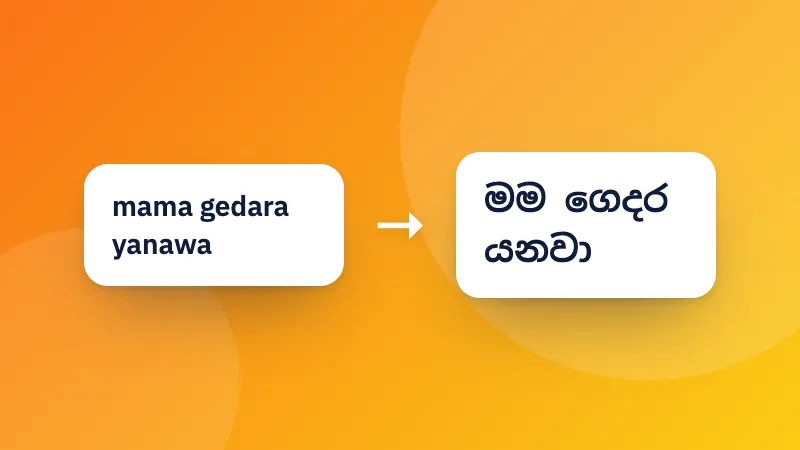
- Paste or type your Sinhala Unicode text (from Facebook, a website, or our Singlish typing tool).
- Copy the FM text from the right-hand box.
- Paste it into Photoshop, Illustrator, Word or CorelDRAW, then select it and choose the FM Abhaya font.
How to convert FM Abhaya to Unicode
Choose FM Abhaya → Unicode, then paste text that was typed in an FM font (it looks like random letters in a normal font). You get Sinhala Unicode that you can use anywhere.
FM Abhaya mapping from the open-source Pandukabhaya project (MIT License).
Frequently asked questions
Why does the FM text look like random English letters?
FM fonts such as FM Abhaya and FM Malithi are older “legacy” fonts that draw Sinhala letters on top of ordinary English keys. The text only looks right when the FM font is selected. Paste it into Photoshop, Illustrator, Word or another program, select the text and choose FM Abhaya (or another FM font) to see the Sinhala.
When do I need FM instead of Unicode?
Many printers, sign makers and designers still use FM fonts, and some older design programs show Unicode Sinhala incorrectly. Everything else, like websites, social media, email, documents and phones, uses Unicode, which works without any special font.
Which FM fonts does it work with?
The FM family shares one keyboard layout, so the converted text works with FM Abhaya, FM Malithi, FM Bindumathi, FM Derana, FM Emanee, FM Ganganee and the other FM fonts.
Is my text uploaded?
No. The conversion happens in your browser, and your text never leaves your device.