ZYBERMART ස්ථාපනය කරන්න

සෑම මෙවලමක්ම ඔබේ home screen එකෙන් හෝ dock එකෙන්, වෙනම කවුළුවක විවෘත කරන්න. ඔබ භාවිත කළ මෙවලම් offline ද ක්‍රියා කරයි.

කළු-සුදු Photo පරිවර්තකය

තීව්‍රතාව වෙනස් කළ හැකි ලෙස ඡායාරූප කළු-සුදු, sepia, පිරිසිදු කළු-සුදු හෝ negative කරන්න.

How to make a photo black and white

  1. Choose your photos.
  2. Pick grayscale, sepia, pure black and white or negative.
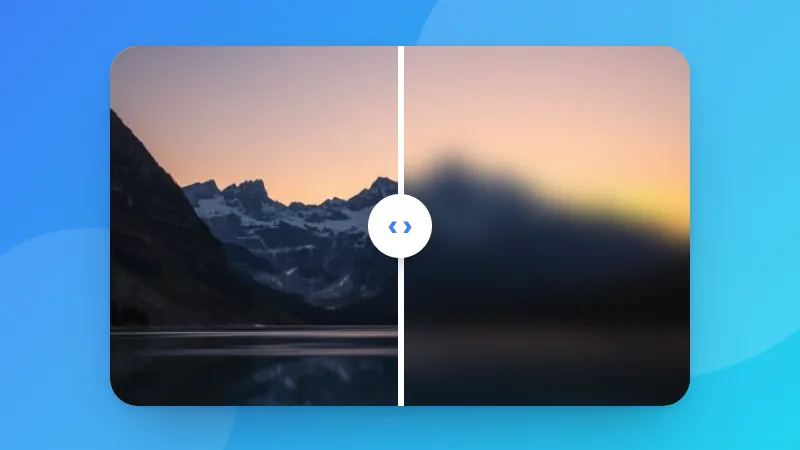
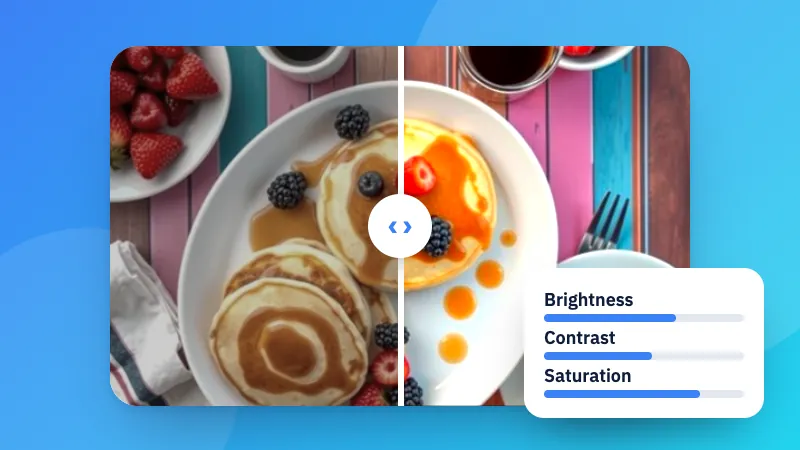
  3. Hold the compare button to check it against the original, then download.

To print a document in black and white, use PDF to grayscale.

Frequently asked questions

What is the difference between grayscale and pure black and white?

Grayscale keeps all the shades of gray, like a classic black-and-white photo. Pure black and white uses only black and white pixels, which suits scanned documents, signatures and stencils.

How do I get an old-photo look?

Choose Sepia. It gives the warm brown tone of early photographs; lower the strength for a subtler effect.

Can I convert many photos at once?

Yes. Choose several images and click “Download all (ZIP)”.

Is the original photo changed?

No. A new copy is saved, and nothing is uploaded.
ZYBERMART වෙත පුරනය වන්න

ඔබේ CV, ඉන්වොයිසි, flashcards, සටහන් සහ සුරැකි මෙවලම් ඔබේ සියලු උපාංගවල තබා ගන්න. එය නොමිලේ, ගිණුමක් නැතිවත් මෙවලම් එලෙසම ක්‍රියා කරයි.

හෝ

මුරපදයක් අවශ්‍ය නැත. පුරනය වීමෙන් ඔබ නියමවලට එකඟ වේ; අපි ඔබේ දත්ත හසුරුවන ආකාරය රහස්‍යතා ප්‍රතිපත්තියෙන් බලන්න.

ඔබේ ගිණුම

ඉවත් වූ පසුත් ඔබේ වැඩවල පිටපතක් මෙම බ්‍රවුසරයේ ඉතිරි වේ. පොදු පරිගණකයක නම්, පසුව ඔබේ බ්‍රවුසර දත්ත මකන්න.

ඔබට සෑදීමට අවශ්‍ය කුමක්ද?

නිර්මාණ

සමාජ මාධ්‍ය

ලේඛන

අධ්‍යයනය

සංස්කරණය

මෙවලම් 282 සියල්ල බලන්න