Instalar o ZYBERMART

Abra qualquer ferramenta pela tela inicial ou pelo Dock, em uma janela própria. As ferramentas que você já usou também funcionam offline.

Juntar arquivos Excel

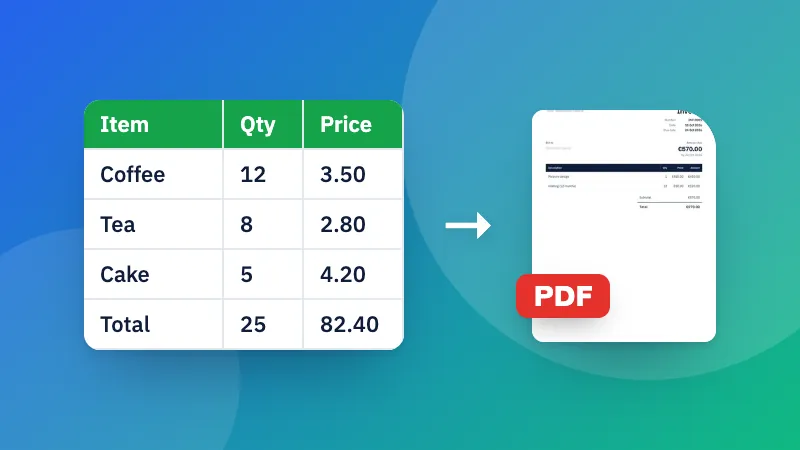
Combine vários arquivos Excel ou CSV em uma só aba (colunas casadas pelo nome) ou numa pasta de trabalho com uma aba para cada.

How to merge Excel files

  1. Choose two or more Excel or CSV files. Drag them in the list to change the order.
  2. Choose one combined sheet, or a workbook with a tab for each file.
  3. Download the merged Excel file.

Need to tidy the result? Use the CSV cleaner to remove duplicates and extra spaces.

Frequently asked questions

What's the difference between the two ways to merge?

“One sheet” puts all the rows under each other in a single sheet, lining up columns that have the same name, which suits monthly reports or forms with the same layout. “Separate sheets” keeps each file (and each sheet) as its own tab in one workbook.

What if the files have different columns?

With “One sheet”, columns are matched by their name in the first row. A column that only some files have is still included, with empty cells for the others.

Can I see where each row came from?

Yes. Tick “Add a column with the file name” and each row says which file (and sheet) it came from.

Are my files uploaded?

No. The files are merged in your browser.

Entrar no ZYBERMART

Tenha seus currículos, faturas, flashcards, notas e ferramentas salvas em todos os seus dispositivos. É grátis, e as ferramentas funcionam igual sem conta.

ou

Não precisa de senha. Ao entrar, você concorda com os termos; veja como tratamos seus dados na política de privacidade.

Sua conta

Ao sair, uma cópia do seu trabalho fica neste navegador. Em um computador compartilhado, limpe os dados do navegador depois.

O que você quer criar?

Designs

Redes sociais

Documentos

Estudos

Editar

Ver todas as 282 ferramentas