How to clean a CSV file
- Choose your CSV or Excel file.
- Pick the clean-up steps: spaces, empty rows, duplicates, capital letters, find and replace, split a column, sort.
- Check the preview and the numbers, then download as CSV or Excel.
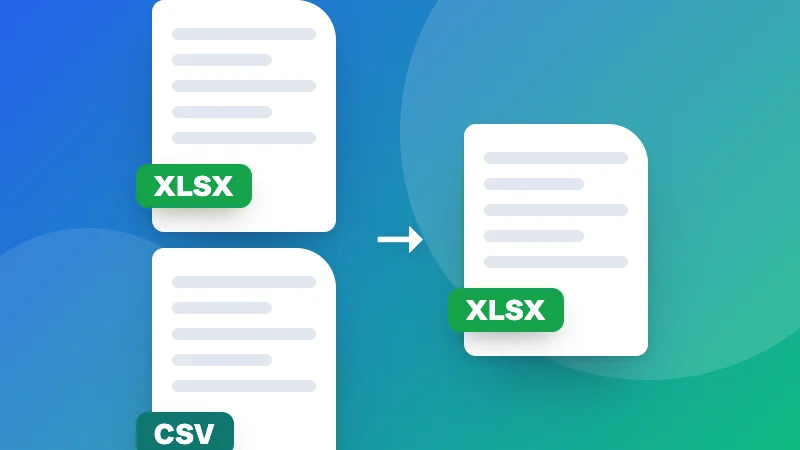
Combining several spreadsheets? Use Merge Excel files. Turning a CSV into Excel? Use CSV to Excel.
Frequently asked questions
What can it clean?
It trims extra spaces, removes empty rows and columns, removes duplicate rows (all columns, or only some), fixes capital letters, finds and replaces text, splits one column into several and sorts the rows. Each step is optional.
How are duplicates found?
Two rows are duplicates when the columns you pick have the same values (ignoring capital letters and spaces if you tick that). The first one is kept. Pick only an email column, for example, to remove repeated contacts.
Can I open Excel files?
Yes: CSV, TSV, TXT, XLSX and XLS. The first sheet is used. Download the cleaned data as CSV or Excel.
Is my data uploaded?
No. Your file is cleaned in your browser, so it's safe for customer lists and other private data.