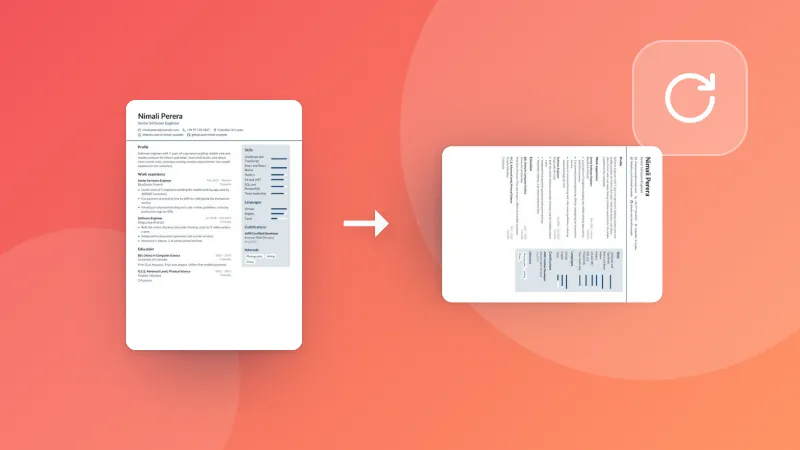
How to merge PDF files
- Click Choose PDF files or drag two or more PDFs onto the box above.
- Use the arrows to put the files in the order you want.
- Click Merge PDFs, then download your combined document.
When to combine PDFs
- Sending several scanned pages or receipts as one attachment
- Combining a cover letter, resume and references into a single application
- Joining invoices or statements for your accountant
- Assembling chapters or reports into one document for printing
Your documents stay private
Many PDF websites upload your files to their servers to process them. This tool doesn't. It uses a
PDF library that runs inside your browser, so contracts, IDs and financial documents never leave
your computer or phone.
Frequently asked questions
Is it safe to merge PDFs here?
Yes. Your PDF files are combined inside your web browser and are never uploaded to a server. That makes it safe for contracts, bank statements and other private documents.
Is there a limit on the number or size of files?
There is no fixed limit. Because everything runs on your device, the practical limit depends on your device's memory. Merging dozens of files or several hundred megabytes works fine on a typical computer.
Can I change the order of the files?
Yes. Use the up and down arrows next to each file to arrange them before merging. The pages of each file are added in the order shown in the list.
Does merging reduce the quality of my PDF?
No. Pages are copied exactly as they are, including text, images and vector graphics, so nothing is recompressed or lost.
Why can't I merge a password-protected PDF?
Encrypted PDFs can't be read without the password. Remove the protection in a PDF reader first (for example by printing to a new PDF after unlocking it), then merge the unlocked copy.