Instal ZYBERMART

Buka semua alat dari layar utama atau dock, di jendelanya sendiri. Alat yang pernah Anda gunakan juga bisa dipakai offline.

Konverter JPG ke PDF

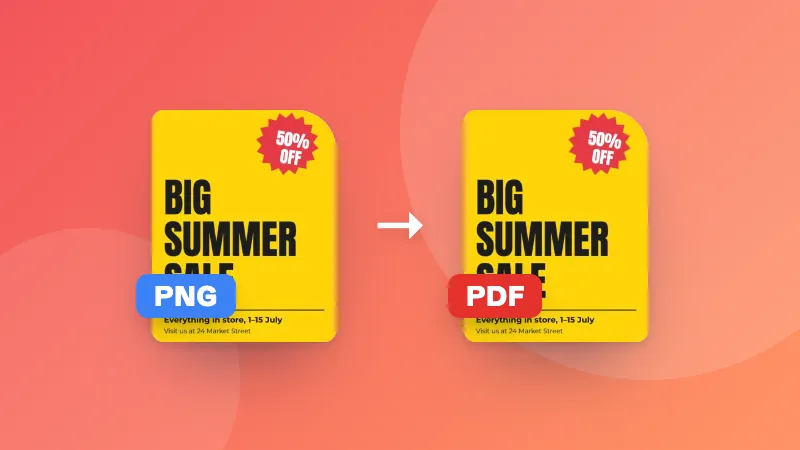
Ubah JPG, PNG, dan gambar lain menjadi satu PDF, satu gambar per halaman, dengan urutan pilihan Anda.

    How to convert JPG to PDF

    1. Choose a page size. Pick “Fit to image” for screen viewing, or A4/Letter for printing.
    2. Add your images and put them in the right order with the arrows.
    3. Click Create PDF. Your PDF downloads with one image per page.

    Common uses

    • Turning photos of receipts or documents into one PDF for expenses or applications
    • Sending a set of scanned pages as a single attachment
    • Creating a simple photo album or portfolio to share

    Need to add the result to another document? Combine them with Merge PDF.
    Frequently asked questions

    Can I combine several images into one PDF?

    Yes. Add as many images as you like. Each image becomes one page, in the order shown in the list. Use the arrows to reorder them before creating the PDF.

    Which image formats are supported?

    JPG, PNG, WEBP and GIF images work. JPG images are embedded as they are, so their quality is preserved exactly.

    Which page size should I choose?

    “Fit to image” makes each page exactly the size of its image, which is best for viewing on screen. Choose A4 or US Letter if you plan to print the PDF or submit it somewhere that expects a standard page size.

    Are my photos uploaded?

    No. The PDF is created in your browser, so your images never leave your device.

    Masuk ke ZYBERMART

    Simpan CV, invoice, flashcard, catatan, dan alat tersimpan Anda di semua perangkat. Gratis, dan semua alat tetap berfungsi sama tanpa akun.

    atau

    Tanpa kata sandi. Dengan masuk, Anda menyetujui ketentuan kami; lihat cara kami mengelola data Anda di kebijakan privasi.

    Akun Anda

    Saat keluar, salinan pekerjaan Anda tetap tersimpan di browser ini. Di komputer bersama, hapus data browser setelahnya.

    Apa yang ingin Anda buat?

    Desain

    Media sosial

    Dokumen

    Belajar

    Edit

    Lihat semua 282 alat