Instal ZYBERMART

Buka semua alat dari layar utama atau dock, di jendelanya sendiri. Alat yang pernah Anda gunakan juga bisa dipakai offline.

Konverter PDF ke JPG

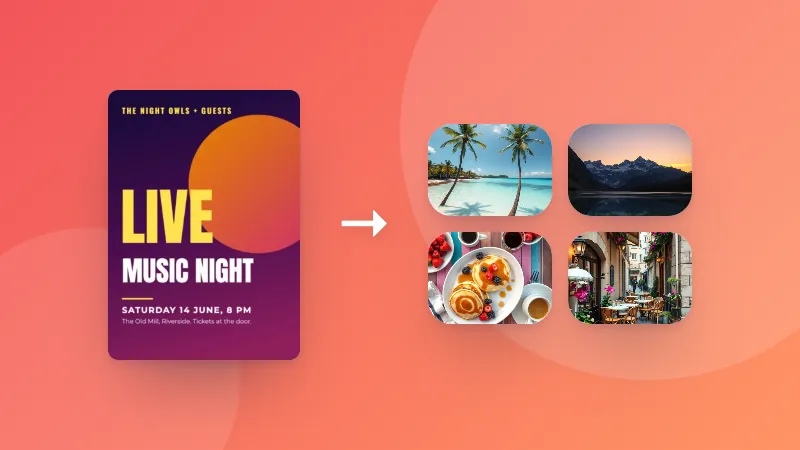
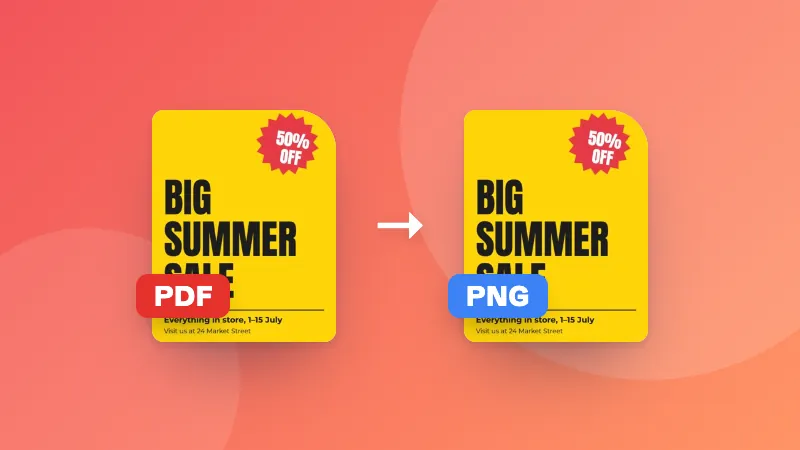
Ubah setiap halaman PDF menjadi gambar JPG berkualitas tinggi. Unduh per halaman atau semuanya sekaligus dalam ZIP.

    How to convert PDF pages to JPG images

    1. Pick the resolution and quality you need.
    2. Choose your PDF. Each page is converted to a JPG and shown as a preview.
    3. Download single pages, or all pages at once as a ZIP.

    Why convert a PDF to images?

    • Posting a page on social media or in a chat app that doesn't show PDFs
    • Adding a page to a presentation, document or website as a picture
    • Uploading to forms that only accept images
    • Sharing a single page quickly without sending the whole document

    Want to go the other way? Use the JPG to PDF converter.
    Frequently asked questions

    How do I convert a PDF to JPG?

    Choose your PDF and the image quality. Every page is turned into a JPG image that you can download one by one, or all together as a ZIP file.

    What resolution should I choose?

    150 DPI is good for viewing on screen and sharing. Choose 300 DPI for printing or when you need to zoom in on small text. Higher resolutions create larger files.

    Can I convert just one page?

    Yes. All pages are converted, and you can download only the ones you need.

    Does it work with scanned PDFs?

    Yes. Scanned pages are already images inside the PDF, so they convert well. The result can't be sharper than the original scan.

    Are my files uploaded?

    No. Pages are rendered in your browser using the same PDF engine Firefox uses, so your document never leaves your device.

    Masuk ke ZYBERMART

    Simpan CV, invoice, flashcard, catatan, dan alat tersimpan Anda di semua perangkat. Gratis, dan semua alat tetap berfungsi sama tanpa akun.

    atau

    Tanpa kata sandi. Dengan masuk, Anda menyetujui ketentuan kami; lihat cara kami mengelola data Anda di kebijakan privasi.

    Akun Anda

    Saat keluar, salinan pekerjaan Anda tetap tersimpan di browser ini. Di komputer bersama, hapus data browser setelahnya.

    Apa yang ingin Anda buat?

    Desain

    Media sosial

    Dokumen

    Belajar

    Edit

    Lihat semua 282 alat