Instal ZYBERMART

Buka semua alat dari layar utama atau dock, di jendelanya sendiri. Alat yang pernah Anda gunakan juga bisa dipakai offline.

Pemindai Kode QR

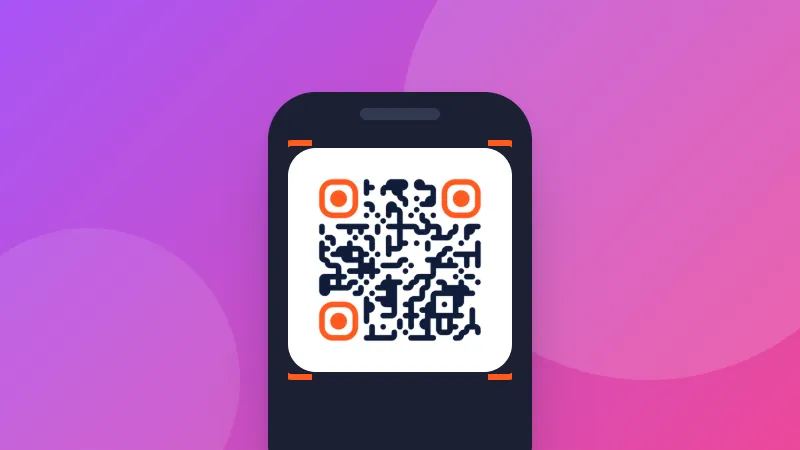
Pindai kode QR atau barcode dengan kamera, atau baca dari screenshot atau foto, dan lihat persis tujuannya sebelum membukanya.

How to scan a QR code online

  1. Click Start camera and allow access, or choose a screenshot of the QR code.
  2. Point the camera at the code and hold it steady.
  3. Check the result, then copy it or open the link.

What QR codes can contain

  • Links to websites, menus, payment pages or app downloads.
  • Wi-Fi details: the network name and password are shown so you can copy the password.
  • Contacts, phone numbers, emails and text messages.

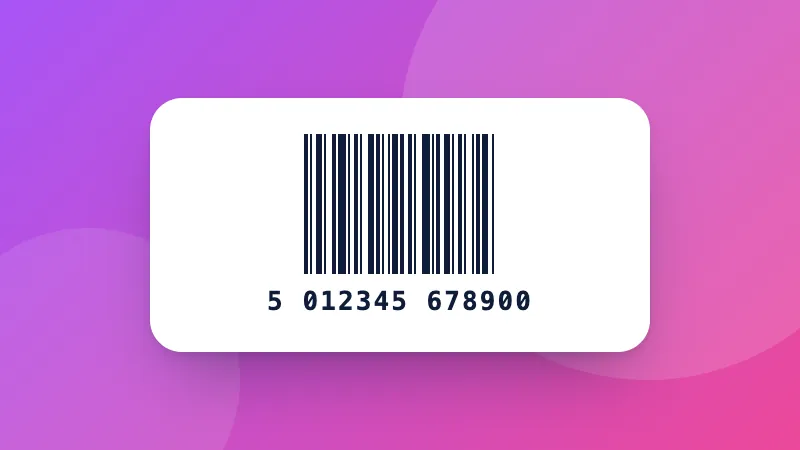
Want to make your own? Use the QR code generator. For product barcodes, Data Matrix and other types, use the barcode scanner.
Frequently asked questions

How do I scan a QR code on my laptop?

Click “Start camera” and allow camera access, then hold the QR code in front of the webcam. Or take a screenshot of the QR code and paste it here with Ctrl+V.

How do I scan a QR code from a screenshot or photo?

Choose the image, drop it on the page, or paste it. This is handy when the QR code is on your own screen, for example in an email or a WhatsApp message.

Is it safe to open a QR code link?

QR codes can point to fake login or payment pages. The scanner shows the full address first and never opens it by itself; check that the website name is what you expect before tapping “Open link”.

Is the camera image sent anywhere?

No. The camera picture is analyzed on your device and nothing is recorded or uploaded. The camera turns off when you stop scanning or leave the page.

Masuk ke ZYBERMART

Simpan CV, invoice, flashcard, catatan, dan alat tersimpan Anda di semua perangkat. Gratis, dan semua alat tetap berfungsi sama tanpa akun.

atau

Tanpa kata sandi. Dengan masuk, Anda menyetujui ketentuan kami; lihat cara kami mengelola data Anda di kebijakan privasi.

Akun Anda

Saat keluar, salinan pekerjaan Anda tetap tersimpan di browser ini. Di komputer bersama, hapus data browser setelahnya.

Apa yang ingin Anda buat?

Desain

Media sosial

Dokumen

Belajar

Edit

Lihat semua 282 alat