Installera ZYBERMART

Öppna alla verktyg från hemskärmen eller Dock, i ett eget fönster. Verktyg du har använt fungerar även offline.

QR-kodläsare

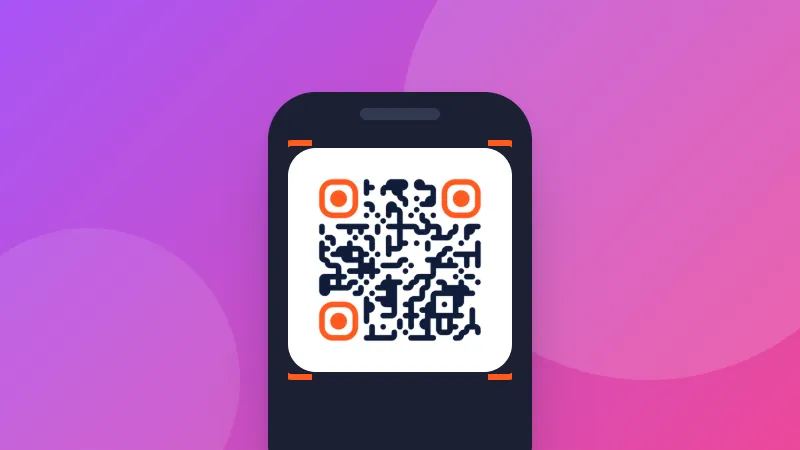
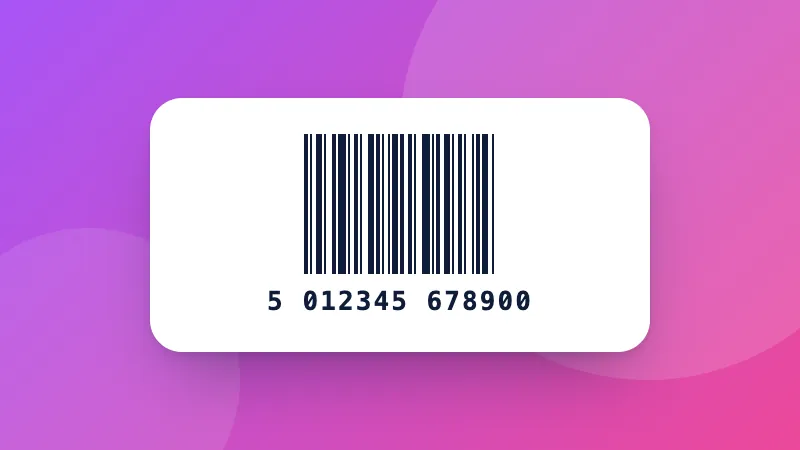
Skanna en QR-kod eller streckkod med kameran, eller läs den från en skärmbild eller ett foto, och se exakt vart den leder innan du öppnar den.

How to scan a QR code online

  1. Click Start camera and allow access, or choose a screenshot of the QR code.
  2. Point the camera at the code and hold it steady.
  3. Check the result, then copy it or open the link.

What QR codes can contain

  • Links to websites, menus, payment pages or app downloads.
  • Wi-Fi details: the network name and password are shown so you can copy the password.
  • Contacts, phone numbers, emails and text messages.

Want to make your own? Use the QR code generator. For product barcodes, Data Matrix and other types, use the barcode scanner.
Frequently asked questions

How do I scan a QR code on my laptop?

Click “Start camera” and allow camera access, then hold the QR code in front of the webcam. Or take a screenshot of the QR code and paste it here with Ctrl+V.

How do I scan a QR code from a screenshot or photo?

Choose the image, drop it on the page, or paste it. This is handy when the QR code is on your own screen, for example in an email or a WhatsApp message.

Is it safe to open a QR code link?

QR codes can point to fake login or payment pages. The scanner shows the full address first and never opens it by itself; check that the website name is what you expect before tapping “Open link”.

Is the camera image sent anywhere?

No. The camera picture is analyzed on your device and nothing is recorded or uploaded. The camera turns off when you stop scanning or leave the page.

Logga in på ZYBERMART

Ha dina CV:n, fakturor, flashcards, anteckningar och sparade verktyg på alla dina enheter. Det är gratis, och verktygen fungerar likadant utan konto.

eller

Inget lösenord behövs. Genom att logga in godkänner du villkoren. Läs hur vi hanterar dina data i integritetspolicyn.

Ditt konto

När du loggar ut finns en kopia av ditt arbete kvar i den här webbläsaren. På en delad dator bör du rensa webbläsardata efteråt.

Vad vill du skapa?

Designer

Sociala medier

Dokument

Studier

Redigera

Visa alla 282 verktyg