Instalar ZYBERMART

Abre cualquier herramienta desde tu pantalla de inicio o el Dock, en su propia ventana. Las que ya has usado también funcionan sin conexión.

Lector de códigos QR

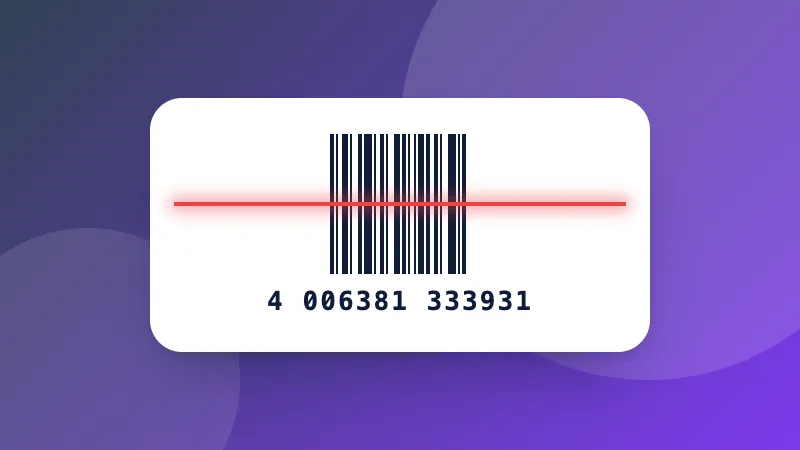
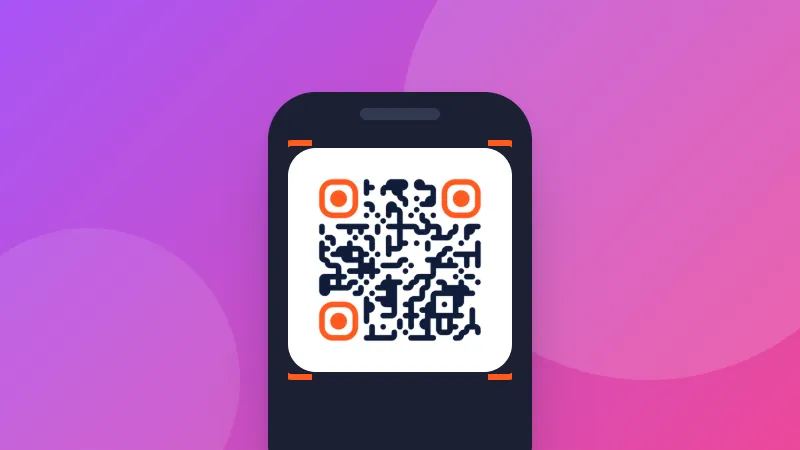
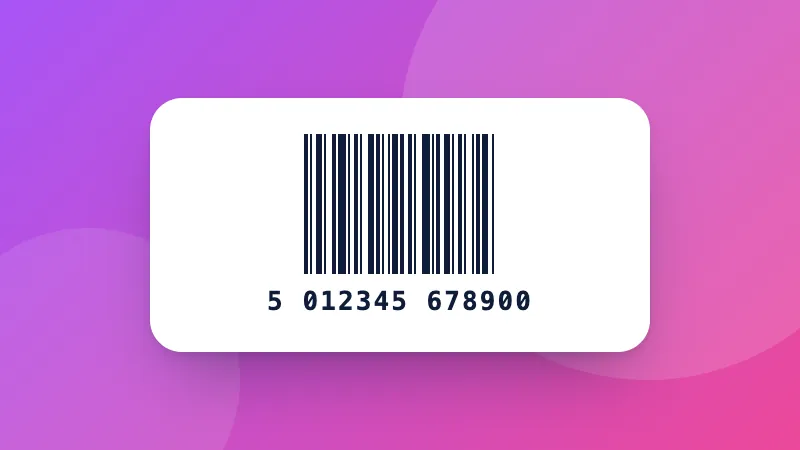
Escanea un código QR o de barras con la cámara, o léelo desde una captura o foto, y mira exactamente adónde lleva antes de abrirlo.

How to scan a QR code online

  1. Click Start camera and allow access, or choose a screenshot of the QR code.
  2. Point the camera at the code and hold it steady.
  3. Check the result, then copy it or open the link.

What QR codes can contain

  • Links to websites, menus, payment pages or app downloads.
  • Wi-Fi details: the network name and password are shown so you can copy the password.
  • Contacts, phone numbers, emails and text messages.

Want to make your own? Use the QR code generator. For product barcodes, Data Matrix and other types, use the barcode scanner.
Frequently asked questions

How do I scan a QR code on my laptop?

Click “Start camera” and allow camera access, then hold the QR code in front of the webcam. Or take a screenshot of the QR code and paste it here with Ctrl+V.

How do I scan a QR code from a screenshot or photo?

Choose the image, drop it on the page, or paste it. This is handy when the QR code is on your own screen, for example in an email or a WhatsApp message.

Is it safe to open a QR code link?

QR codes can point to fake login or payment pages. The scanner shows the full address first and never opens it by itself; check that the website name is what you expect before tapping “Open link”.

Is the camera image sent anywhere?

No. The camera picture is analyzed on your device and nothing is recorded or uploaded. The camera turns off when you stop scanning or leave the page.

Inicia sesión en ZYBERMART

Ten tus CV, facturas, tarjetas de estudio, notas y herramientas guardadas en todos tus dispositivos. Es gratis, y las herramientas funcionan igual sin cuenta.

o

No necesitas contraseña. Al iniciar sesión aceptas los términos; consulta cómo tratamos tus datos en la política de privacidad.

Tu cuenta

Al cerrar sesión se guarda una copia de tu trabajo en este navegador. En un ordenador compartido, borra después los datos del navegador.

¿Qué quieres crear?

Diseños

Redes sociales

Documentos

Estudio

Editar

Ver las 282 herramientas