Instal ZYBERMART

Buka semua alat dari layar utama atau dock, di jendelanya sendiri. Alat yang pernah Anda gunakan juga bisa dipakai offline.

Pembuat Kartu Bingo

Buat kartu bingo siap cetak dengan angka 1–75 atau kata-kata Anda sendiri, setiap kartu berbeda, dengan lembar pemandu.

How to make bingo cards

  1. Choose numbers, or your own words for a topic, party or class.
  2. Pick the card size, how many cards and how many on each page.
  3. Print them, or download a PDF, with a caller's sheet to tick off.

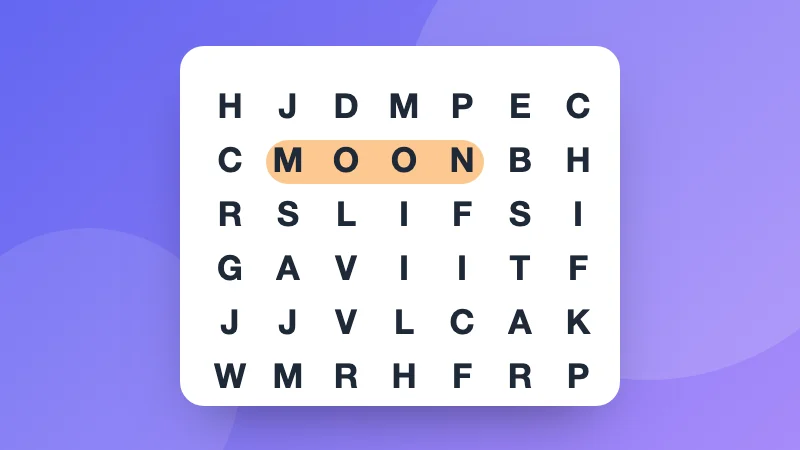
Ideas: spelling or vocabulary bingo, baby shower and birthday bingo, travel bingo, or classic numbers for a family game night. Running a quiz? Make a crossword or a word search too.


Frequently asked questions

Is every card different?

Yes. Each card is shuffled on its own, so no two are the same. Make up to 100 at once.

How do classic number cards work?

On a 5 × 5 card the B column has numbers 1 to 15, I 16 to 30, N 31 to 45, G 46 to 60 and O 61 to 75, with a free square in the middle. The caller's sheet lists all 75 to tick off.

Can I make bingo with words or pictures of a topic?

Words, yes: choose My words and type at least as many as there are squares, such as spelling words, names at a baby shower, or things to spot on a trip.

How do I print them?

Press Print, or download a PDF. 1, 2 or 4 cards fit on a page.

Masuk ke ZYBERMART

Simpan CV, invoice, flashcard, catatan, dan alat tersimpan Anda di semua perangkat. Gratis, dan semua alat tetap berfungsi sama tanpa akun.

atau

Tanpa kata sandi. Dengan masuk, Anda menyetujui ketentuan kami; lihat cara kami mengelola data Anda di kebijakan privasi.

Akun Anda

Saat keluar, salinan pekerjaan Anda tetap tersimpan di browser ini. Di komputer bersama, hapus data browser setelahnya.

Apa yang ingin Anda buat?

Desain

Media sosial

Dokumen

Belajar

Edit

Lihat semua 282 alat