Install ZYBERMART

Open every tool from your home screen or dock, in its own window. Tools you've used also work offline.

Bingo Card Maker

Make printable bingo cards with numbers 1–75 or your own words, every card different, with a caller's sheet.

How to make bingo cards

  1. Choose numbers, or your own words for a topic, party or class.
  2. Pick the card size, how many cards and how many on each page.
  3. Print them, or download a PDF, with a caller's sheet to tick off.

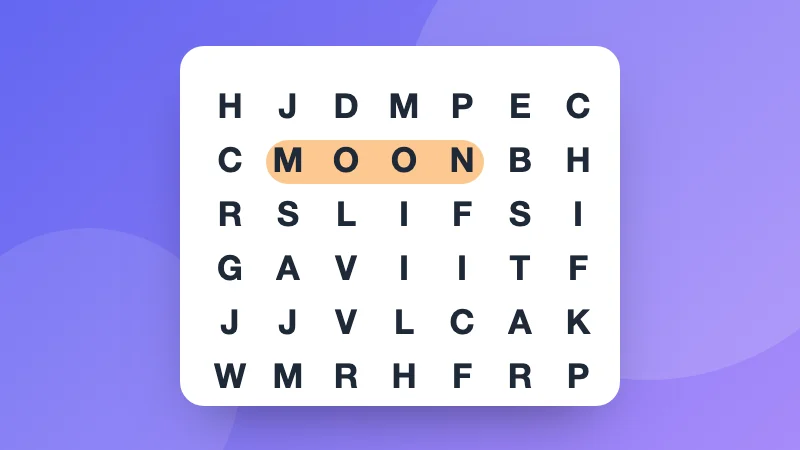
Ideas: spelling or vocabulary bingo, baby shower and birthday bingo, travel bingo, or classic numbers for a family game night. Running a quiz? Make a crossword or a word search too.


Frequently asked questions

Is every card different?

Yes. Each card is shuffled on its own, so no two are the same. Make up to 100 at once.

How do classic number cards work?

On a 5 × 5 card the B column has numbers 1 to 15, I 16 to 30, N 31 to 45, G 46 to 60 and O 61 to 75, with a free square in the middle. The caller's sheet lists all 75 to tick off.

Can I make bingo with words or pictures of a topic?

Words, yes: choose My words and type at least as many as there are squares, such as spelling words, names at a baby shower, or things to spot on a trip.

How do I print them?

Press Print, or download a PDF. 1, 2 or 4 cards fit on a page.

Sign in to ZYBERMART

Keep your CVs, invoices, flashcards, notes and saved tools on all your devices. It's free, and the tools work the same without an account.

or

No password needed. By signing in you agree to the terms; see how we handle your data in the privacy policy.

Your account

Signing out keeps a copy of your work in this browser. On a shared computer, clear your browser data afterwards.

What do you want to create?

Designs

Social media

Documents

Study

Edit

See all 282 tools