Instalar o ZYBERMART

Abra qualquer ferramenta pela tela inicial ou pelo Dock, em uma janela própria. As ferramentas que você já usou também funcionam offline.

Remover dados EXIF

Veja as informações ocultas das suas fotos, como localização GPS e dados da câmera, e remova antes de compartilhar.

    How to remove location data from photos

    1. Choose one or more photos. You'll see what hidden data each one contains.
    2. Download the cleaned copies, one by one or as a ZIP.
    3. Share the cleaned copies instead of the originals.

    Turn off location on your phone's camera

    • iPhone: Settings → Privacy & Security → Location Services → Camera → Never. Or when sharing, tap Options and turn off Location.
    • Android: open the Camera app's settings and turn off “Location tags” or “Save location”.

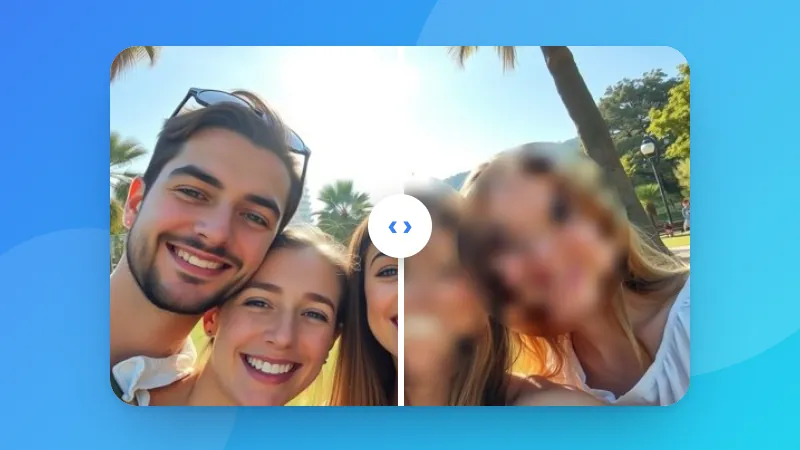
    Hiding faces or plates too? Use Blur & Pixelate Image.
    Frequently asked questions

    What is EXIF data?

    Information that cameras and phones save inside photos: the camera model, date and time, settings such as exposure, and often the GPS location where the photo was taken.

    Why remove it?

    A photo with GPS data can reveal where you live or work when you share it. Many social networks remove it, but email, messaging apps, marketplaces and file sharing often don't.

    Does removing EXIF reduce quality?

    No. The hidden data is cut out of the JPG, PNG or WEBP file, and the picture itself isn't compressed again, so the quality is exactly the same.

    Will the photo still be the right way up?

    Yes. Phones often store the rotation of a photo in its EXIF data. That one setting is kept, and everything else is removed, so the photo doesn't turn sideways.

    Entrar no ZYBERMART

    Tenha seus currículos, faturas, flashcards, notas e ferramentas salvas em todos os seus dispositivos. É grátis, e as ferramentas funcionam igual sem conta.

    ou

    Não precisa de senha. Ao entrar, você concorda com os termos; veja como tratamos seus dados na política de privacidade.

    Sua conta

    Ao sair, uma cópia do seu trabalho fica neste navegador. Em um computador compartilhado, limpe os dados do navegador depois.

    O que você quer criar?

    Designs

    Redes sociais

    Documentos

    Estudos

    Editar

    Ver todas as 282 ferramentas