Installera ZYBERMART

Öppna alla verktyg från hemskärmen eller Dock, i ett eget fönster. Verktyg du har använt fungerar även offline.

Ta bort EXIF-data

Se vilken dold information dina foton innehåller, som GPS-position och kamerauppgifter, och ta bort den innan du delar.

    How to remove location data from photos

    1. Choose one or more photos. You'll see what hidden data each one contains.
    2. Download the cleaned copies, one by one or as a ZIP.
    3. Share the cleaned copies instead of the originals.

    Turn off location on your phone's camera

    • iPhone: Settings → Privacy & Security → Location Services → Camera → Never. Or when sharing, tap Options and turn off Location.
    • Android: open the Camera app's settings and turn off “Location tags” or “Save location”.

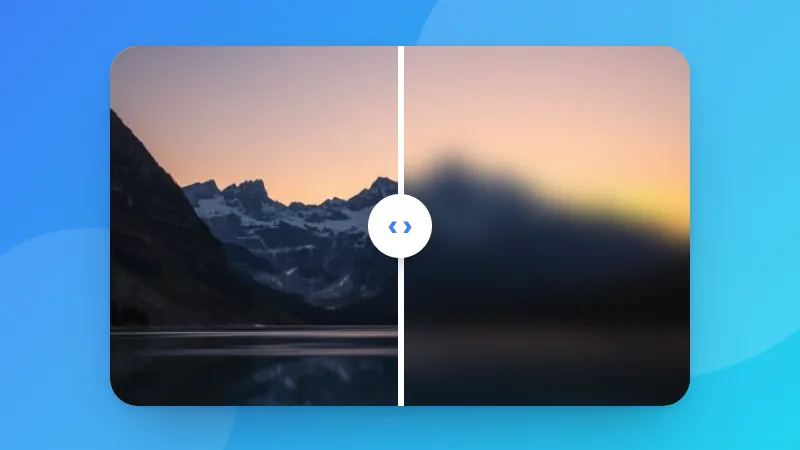
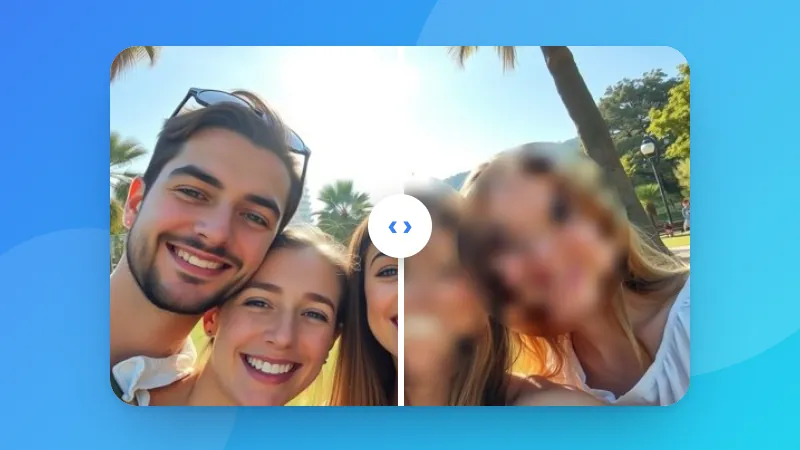
    Hiding faces or plates too? Use Blur & Pixelate Image.
    Frequently asked questions

    What is EXIF data?

    Information that cameras and phones save inside photos: the camera model, date and time, settings such as exposure, and often the GPS location where the photo was taken.

    Why remove it?

    A photo with GPS data can reveal where you live or work when you share it. Many social networks remove it, but email, messaging apps, marketplaces and file sharing often don't.

    Does removing EXIF reduce quality?

    No. The hidden data is cut out of the JPG, PNG or WEBP file, and the picture itself isn't compressed again, so the quality is exactly the same.

    Will the photo still be the right way up?

    Yes. Phones often store the rotation of a photo in its EXIF data. That one setting is kept, and everything else is removed, so the photo doesn't turn sideways.

    Logga in på ZYBERMART

    Ha dina CV:n, fakturor, flashcards, anteckningar och sparade verktyg på alla dina enheter. Det är gratis, och verktygen fungerar likadant utan konto.

    eller

    Inget lösenord behövs. Genom att logga in godkänner du villkoren. Läs hur vi hanterar dina data i integritetspolicyn.

    Ditt konto

    När du loggar ut finns en kopia av ditt arbete kvar i den här webbläsaren. På en delad dator bör du rensa webbläsardata efteråt.

    Vad vill du skapa?

    Designer

    Sociala medier

    Dokument

    Studier

    Redigera

    Visa alla 282 verktyg