How to remove location data from photos
- Choose one or more photos. You'll see what hidden data each one contains.
- Download the cleaned copies, one by one or as a ZIP.
- Share the cleaned copies instead of the originals.
Turn off location on your phone's camera
- iPhone: Settings → Privacy & Security → Location Services → Camera → Never. Or when sharing, tap Options and turn off Location.
- Android: open the Camera app's settings and turn off “Location tags” or “Save location”.
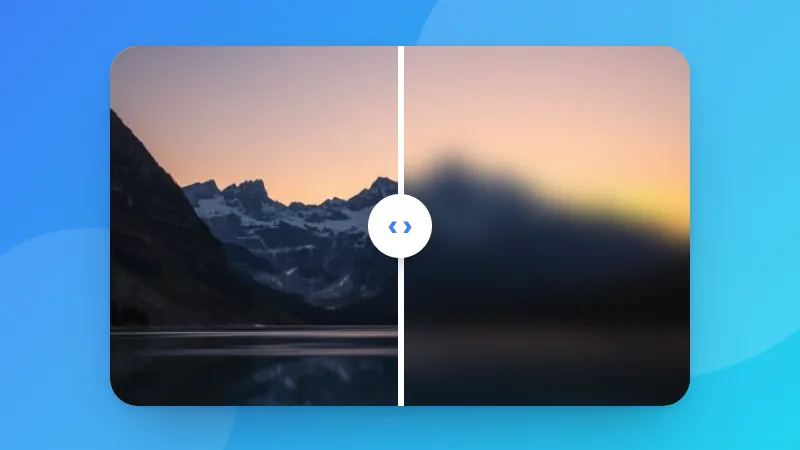
Hiding faces or plates too? Use Blur & Pixelate Image.