Instalar o ZYBERMART

Abra qualquer ferramenta pela tela inicial ou pelo Dock, em uma janela própria. As ferramentas que você já usou também funcionam offline.

Gerador de degradê CSS

Crie gradientes CSS lineares, radiais e cônicos com quantas paradas de cor quiser, e copie o CSS.

Color stops

    CSS


    CSS gradient syntax

    background: linear-gradient(135deg, #ff5a1f 0%, #7fb2ff 100%);

    background: radial-gradient(circle, #ff5a1f 0%, #7fb2ff 100%);

    background: conic-gradient(from 135deg, #ff5a1f 0%, #7fb2ff 100%);

    • The angle sets the direction: 0deg goes bottom to top, 90deg left to right.
    • Each color stop takes a color and an optional position from 0% to 100%.
    • Use subtle gradients (two similar colors) for modern, professional backgrounds.

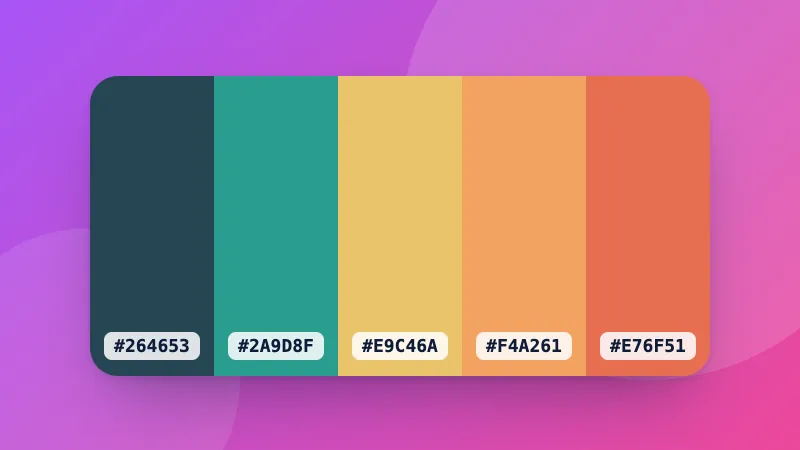
    Need matching colors? Start from the color palette generator.
    Frequently asked questions

    What's the difference between linear, radial and conic gradients?

    A linear gradient changes color along a straight line at an angle. A radial gradient spreads out from a center point in a circle or ellipse. A conic gradient sweeps around a center point like a clock hand, which is useful for pie charts and color wheels.

    Do CSS gradients work in all browsers?

    Yes. linear-gradient, radial-gradient and conic-gradient work in all current browsers without vendor prefixes.

    How do I make a hard color stop?

    Give two stops the same position. For example, red 50% and blue 50% switches from red to blue instantly instead of blending, which creates stripes.

    Can I put a gradient behind text?

    Yes: set the gradient as the background, then add background-clip: text and color: transparent. Keep enough contrast for the text to stay readable.

    Entrar no ZYBERMART

    Tenha seus currículos, faturas, flashcards, notas e ferramentas salvas em todos os seus dispositivos. É grátis, e as ferramentas funcionam igual sem conta.

    ou

    Não precisa de senha. Ao entrar, você concorda com os termos; veja como tratamos seus dados na política de privacidade.

    Sua conta

    Ao sair, uma cópia do seu trabalho fica neste navegador. Em um computador compartilhado, limpe os dados do navegador depois.

    O que você quer criar?

    Designs

    Redes sociais

    Documentos

    Estudos

    Editar

    Ver todas as 282 ferramentas