Instalar o ZYBERMART

Abra qualquer ferramenta pela tela inicial ou pelo Dock, em uma janela própria. As ferramentas que você já usou também funcionam offline.

Verificador de contraste de cores

Verifique a taxa de contraste entre as cores do texto e do fundo segundo WCAG AA e AAA, e obtenha um tom da sua cor que passe.

Contrast ratio –

    Large text: the quick brown fox

    Normal text: Contrast makes words easy to read for everyone, including people with low vision and anyone reading a phone in bright sunlight.

    Button A link

    WCAG contrast levels

    WhatAAAAA
    Normal text4.5:17:1
    Large text (24px, or 18.5px bold)3:14.5:1
    Icons, borders, form fields3:1–

    Tips for accessible colours

    • Bright brand colours like orange, yellow and light green rarely pass on white for body text. Keep them for large headings and buttons, or use a darker shade for text.
    • Grey text on white is a common failure: #767676 is the lightest grey that passes AA.
    • Don’t use colour alone to show meaning (like red for errors); add an icon or words too.

    Building a palette? Try the colour palette generator and the colour converter.
    Frequently asked questions

    What contrast ratio do I need?

    WCAG level AA, the usual legal and design standard, needs 4.5:1 for normal text and 3:1 for large text (24px, or 18.5px bold) and for icons, borders and other interface parts. Level AAA, the stricter one, needs 7:1 for normal text and 4.5:1 for large text.

    How is the contrast ratio calculated?

    From the relative luminance (perceived brightness) of the two colours: (lighter + 0.05) ÷ (darker + 0.05). It runs from 1:1 (the same colour) to 21:1 (black on white).

    What does “Suggest a passing colour” do?

    It keeps the hue of your text colour and makes it darker or lighter, just enough to reach AA (4.5:1) on your background, so you can stay close to your brand colour.

    Which colour formats can I type?

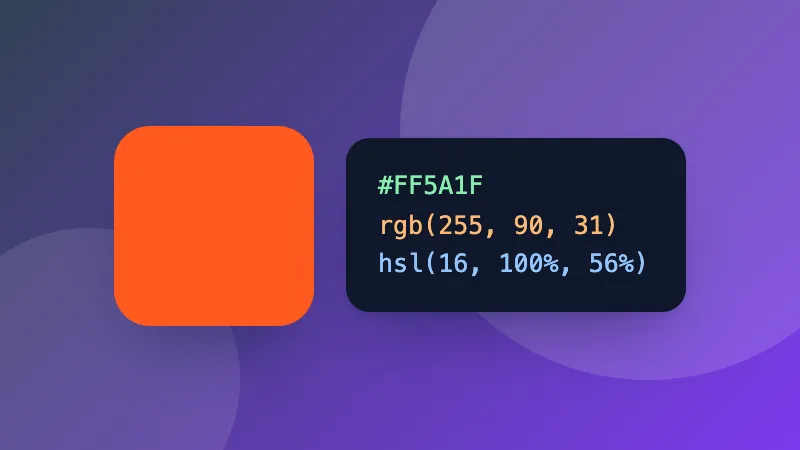
    Hex (#F60, #FF6600), rgb(255, 102, 0), hsl(24, 100%, 50%), or a CSS colour name like navy. Or use the colour picker.

    Entrar no ZYBERMART

    Tenha seus currículos, faturas, flashcards, notas e ferramentas salvas em todos os seus dispositivos. É grátis, e as ferramentas funcionam igual sem conta.

    ou

    Não precisa de senha. Ao entrar, você concorda com os termos; veja como tratamos seus dados na política de privacidade.

    Sua conta

    Ao sair, uma cópia do seu trabalho fica neste navegador. Em um computador compartilhado, limpe os dados do navegador depois.

    O que você quer criar?

    Designs

    Redes sociais

    Documentos

    Estudos

    Editar

    Ver todas as 282 ferramentas