Instalar ZYBERMART

Abre cualquier herramienta desde tu pantalla de inicio o el Dock, en su propia ventana. Las que ya has usado también funcionan sin conexión.

Generador de degradados CSS

Diseña degradados CSS lineales, radiales y cónicos con tantas paradas de color como quieras, y copia el CSS.

Color stops

    CSS


    CSS gradient syntax

    background: linear-gradient(135deg, #ff5a1f 0%, #7fb2ff 100%);

    background: radial-gradient(circle, #ff5a1f 0%, #7fb2ff 100%);

    background: conic-gradient(from 135deg, #ff5a1f 0%, #7fb2ff 100%);

    • The angle sets the direction: 0deg goes bottom to top, 90deg left to right.
    • Each color stop takes a color and an optional position from 0% to 100%.
    • Use subtle gradients (two similar colors) for modern, professional backgrounds.

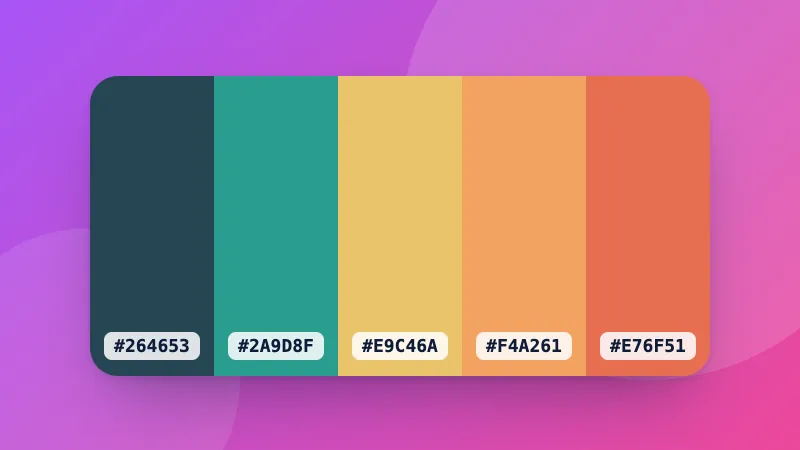
    Need matching colors? Start from the color palette generator.
    Frequently asked questions

    What's the difference between linear, radial and conic gradients?

    A linear gradient changes color along a straight line at an angle. A radial gradient spreads out from a center point in a circle or ellipse. A conic gradient sweeps around a center point like a clock hand, which is useful for pie charts and color wheels.

    Do CSS gradients work in all browsers?

    Yes. linear-gradient, radial-gradient and conic-gradient work in all current browsers without vendor prefixes.

    How do I make a hard color stop?

    Give two stops the same position. For example, red 50% and blue 50% switches from red to blue instantly instead of blending, which creates stripes.

    Can I put a gradient behind text?

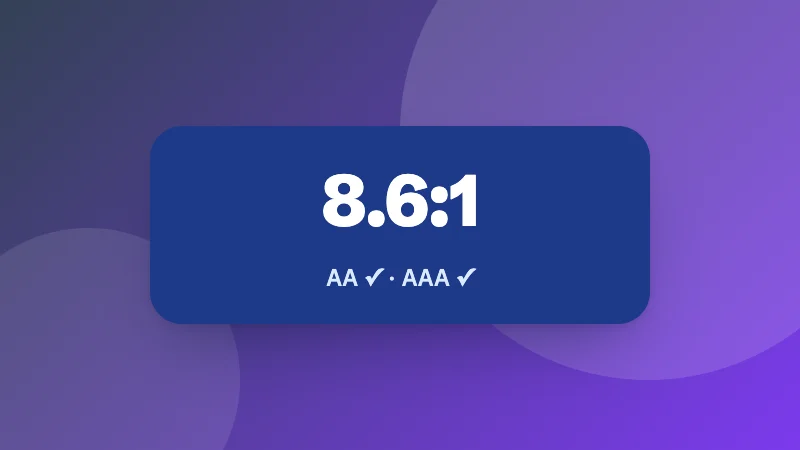
    Yes: set the gradient as the background, then add background-clip: text and color: transparent. Keep enough contrast for the text to stay readable.

    Inicia sesión en ZYBERMART

    Ten tus CV, facturas, tarjetas de estudio, notas y herramientas guardadas en todos tus dispositivos. Es gratis, y las herramientas funcionan igual sin cuenta.

    o

    No necesitas contraseña. Al iniciar sesión aceptas los términos; consulta cómo tratamos tus datos en la política de privacidad.

    Tu cuenta

    Al cerrar sesión se guarda una copia de tu trabajo en este navegador. En un ordenador compartido, borra después los datos del navegador.

    ¿Qué quieres crear?

    Diseños

    Redes sociales

    Documentos

    Estudio

    Editar

    Ver las 282 herramientas