Instalar o ZYBERMART

Abra qualquer ferramenta pela tela inicial ou pelo Dock, em uma janela própria. As ferramentas que você já usou também funcionam offline.

Conversor de Word para PDF

Converta documentos Word (.docx) para PDF no navegador, mantendo texto, imagens, tabelas e layout.

How to convert Word to PDF

  1. Choose your .docx file. A preview of the document appears.
  2. Click Download PDF, or Print / Save as PDF and pick “Save as PDF” as the printer.
  3. Check the PDF and share it.

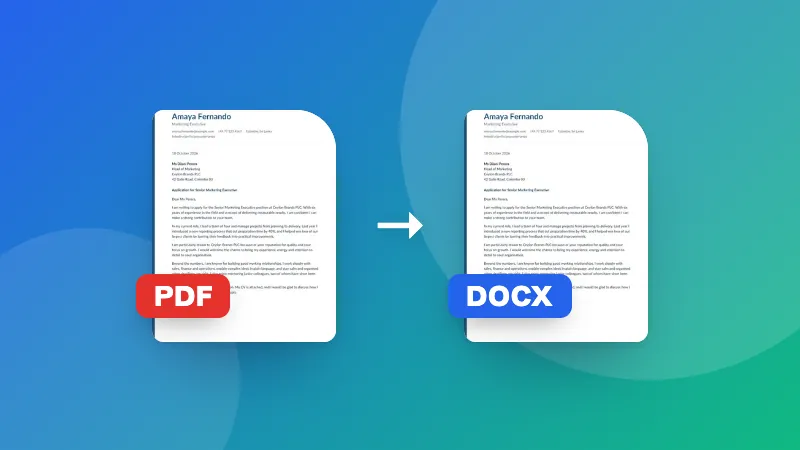
To go the other way, use PDF to Word. To make the PDF smaller for email, use Compress PDF.

Frequently asked questions

Will the PDF look exactly like my Word document?

Text, headings, lists, tables, images, colors and page size are kept. Very complex layouts, such as text boxes, shapes, unusual fonts or tracked changes, may look slightly different from Word. Check the preview before saving.

What's the difference between the two save options?

“Download PDF” makes the PDF directly, with each page saved as a sharp image that looks the same everywhere. “Print / Save as PDF” uses your browser's print dialog and keeps the text selectable and searchable.

Can I convert old .doc files?

No, only .docx (Word 2007 and later). Open the .doc file in Word, Google Docs or LibreOffice and save it as .docx first.

Is my document uploaded?

No. The document is read and converted in your browser, which keeps confidential files private.
Entrar no ZYBERMART

Tenha seus currículos, faturas, flashcards, notas e ferramentas salvas em todos os seus dispositivos. É grátis, e as ferramentas funcionam igual sem conta.

ou

Não precisa de senha. Ao entrar, você concorda com os termos; veja como tratamos seus dados na política de privacidade.

Sua conta

Ao sair, uma cópia do seu trabalho fica neste navegador. Em um computador compartilhado, limpe os dados do navegador depois.

O que você quer criar?

Designs

Redes sociais

Documentos

Estudos

Editar

Ver todas as 282 ferramentas