ZYBERMART ස්ථාපනය කරන්න

සෑම මෙවලමක්ම ඔබේ home screen එකෙන් හෝ dock එකෙන්, වෙනම කවුළුවක විවෘත කරන්න. ඔබ භාවිත කළ මෙවලම් offline ද ක්‍රියා කරයි.

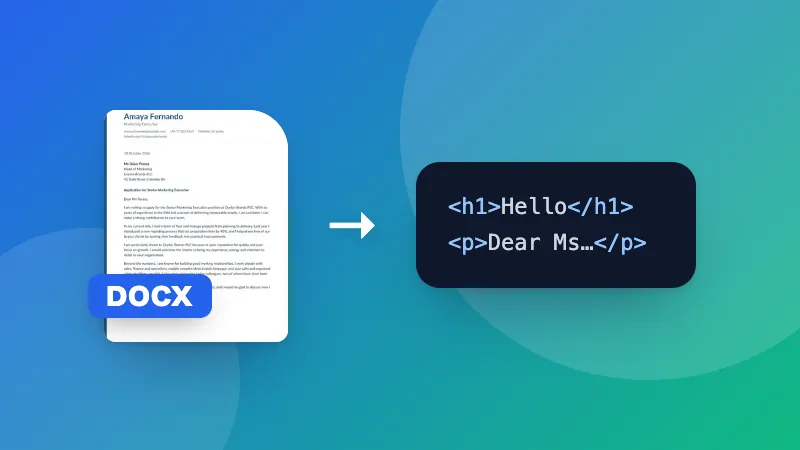
Word to Text

කිසිදු formatting එකක් නැතිව ඕනෑම තැනක paste කිරීමට Word ලේඛනයකින් සාමාන්‍ය පෙළ ලබා ගන්න.

How to get the text out of a Word document

  1. Choose your .docx file.
  2. The plain text appears in the box.
  3. Copy it, or download it as a .txt file.

Count words, characters and pages with the Word document counter, or keep headings and lists with Word to HTML.
Frequently asked questions

What happens to tables, images and formatting?

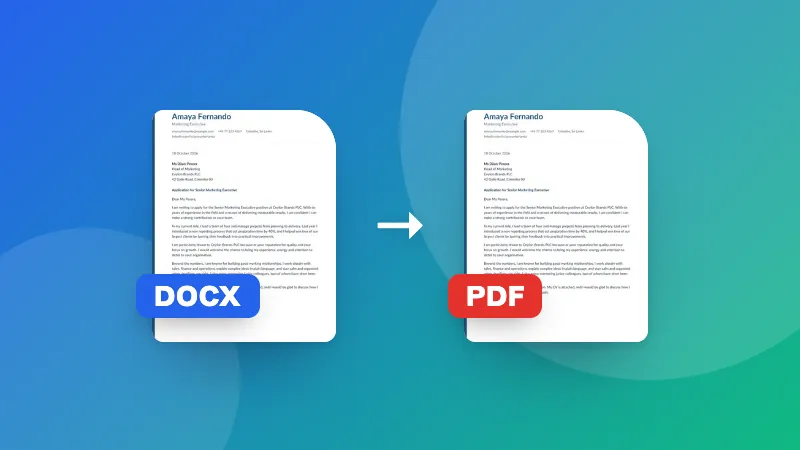
Formatting such as bold and fonts is removed, and images are left out. Text in tables is kept, with each cell on its own line.

Can I convert .doc files?

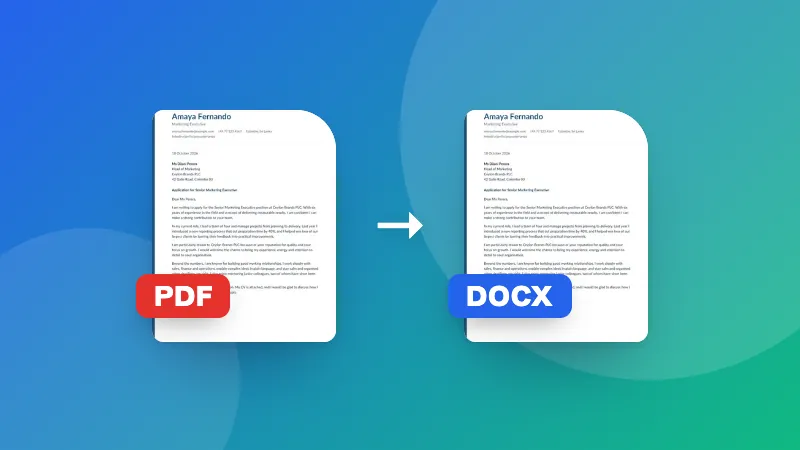
No, only .docx (Word 2007 and later). Save older .doc files as .docx in Word, Google Docs or LibreOffice first.

Why extract plain text?

To paste text into a website, email or form without messy formatting, to count words, or to feed it into another tool.

Is my document uploaded?

No. The text is extracted in your browser.

ZYBERMART වෙත පුරනය වන්න

ඔබේ CV, ඉන්වොයිසි, flashcards, සටහන් සහ සුරැකි මෙවලම් ඔබේ සියලු උපාංගවල තබා ගන්න. එය නොමිලේ, ගිණුමක් නැතිවත් මෙවලම් එලෙසම ක්‍රියා කරයි.

හෝ

මුරපදයක් අවශ්‍ය නැත. පුරනය වීමෙන් ඔබ නියමවලට එකඟ වේ; අපි ඔබේ දත්ත හසුරුවන ආකාරය රහස්‍යතා ප්‍රතිපත්තියෙන් බලන්න.

ඔබේ ගිණුම

ඉවත් වූ පසුත් ඔබේ වැඩවල පිටපතක් මෙම බ්‍රවුසරයේ ඉතිරි වේ. පොදු පරිගණකයක නම්, පසුව ඔබේ බ්‍රවුසර දත්ත මකන්න.

ඔබට සෑදීමට අවශ්‍ය කුමක්ද?

නිර්මාණ

සමාජ මාධ්‍ය

ලේඛන

අධ්‍යයනය

සංස්කරණය

මෙවලම් 282 සියල්ල බලන්න