Instal ZYBERMART

Buka semua alat dari layar utama atau dock, di jendelanya sendiri. Alat yang pernah Anda gunakan juga bisa dipakai offline.

Word ke Teks

Ambil teks polos dari dokumen Word untuk ditempel di mana saja, tanpa format apa pun.

How to get the text out of a Word document

  1. Choose your .docx file.
  2. The plain text appears in the box.
  3. Copy it, or download it as a .txt file.

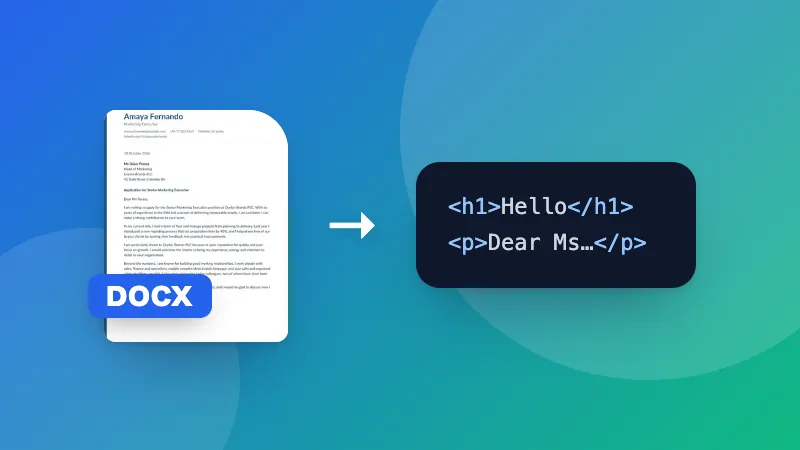
Count words, characters and pages with the Word document counter, or keep headings and lists with Word to HTML.
Frequently asked questions

What happens to tables, images and formatting?

Formatting such as bold and fonts is removed, and images are left out. Text in tables is kept, with each cell on its own line.

Can I convert .doc files?

No, only .docx (Word 2007 and later). Save older .doc files as .docx in Word, Google Docs or LibreOffice first.

Why extract plain text?

To paste text into a website, email or form without messy formatting, to count words, or to feed it into another tool.

Is my document uploaded?

No. The text is extracted in your browser.

Masuk ke ZYBERMART

Simpan CV, invoice, flashcard, catatan, dan alat tersimpan Anda di semua perangkat. Gratis, dan semua alat tetap berfungsi sama tanpa akun.

atau

Tanpa kata sandi. Dengan masuk, Anda menyetujui ketentuan kami; lihat cara kami mengelola data Anda di kebijakan privasi.

Akun Anda

Saat keluar, salinan pekerjaan Anda tetap tersimpan di browser ini. Di komputer bersama, hapus data browser setelahnya.

Apa yang ingin Anda buat?

Desain

Media sosial

Dokumen

Belajar

Edit

Lihat semua 282 alat