Installera ZYBERMART

Öppna alla verktyg från hemskärmen eller Dock, i ett eget fönster. Verktyg du har använt fungerar även offline.

CSV-tvätt

Städa upp en CSV- eller Excel-fil: ta bort dubbletter och tomma rader, trimma mellanslag, rätta versaler, sök och ersätt, dela kolumner och sortera.

How to clean a CSV file

  1. Choose your CSV or Excel file.
  2. Pick the clean-up steps: spaces, empty rows, duplicates, capital letters, find and replace, split a column, sort.
  3. Check the preview and the numbers, then download as CSV or Excel.

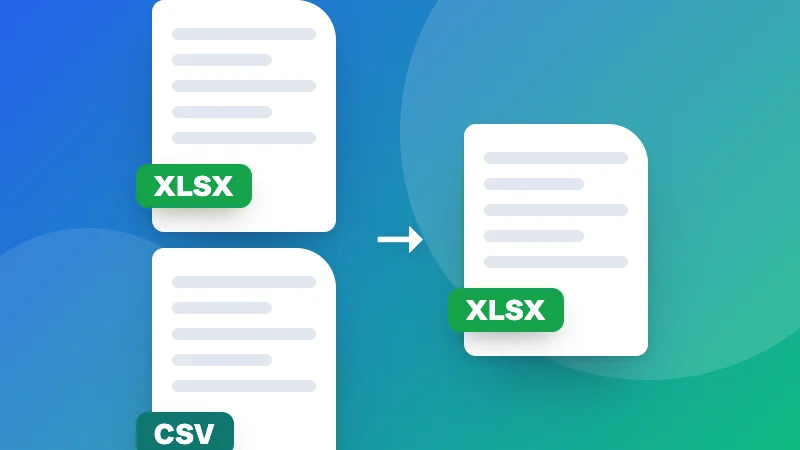
Combining several spreadsheets? Use Merge Excel files. Turning a CSV into Excel? Use CSV to Excel.


Frequently asked questions

What can it clean?

It trims extra spaces, removes empty rows and columns, removes duplicate rows (all columns, or only some), fixes capital letters, finds and replaces text, splits one column into several and sorts the rows. Each step is optional.

How are duplicates found?

Two rows are duplicates when the columns you pick have the same values (ignoring capital letters and spaces if you tick that). The first one is kept. Pick only an email column, for example, to remove repeated contacts.

Can I open Excel files?

Yes: CSV, TSV, TXT, XLSX and XLS. The first sheet is used. Download the cleaned data as CSV or Excel.

Is my data uploaded?

No. Your file is cleaned in your browser, so it's safe for customer lists and other private data.

Logga in på ZYBERMART

Ha dina CV:n, fakturor, flashcards, anteckningar och sparade verktyg på alla dina enheter. Det är gratis, och verktygen fungerar likadant utan konto.

eller

Inget lösenord behövs. Genom att logga in godkänner du villkoren. Läs hur vi hanterar dina data i integritetspolicyn.

Ditt konto

När du loggar ut finns en kopia av ditt arbete kvar i den här webbläsaren. På en delad dator bör du rensa webbläsardata efteråt.

Vad vill du skapa?

Designer

Sociala medier

Dokument

Studier

Redigera

Visa alla 282 verktyg