Installera ZYBERMART

Öppna alla verktyg från hemskärmen eller Dock, i ett eget fönster. Verktyg du har använt fungerar även offline.

Jämför text

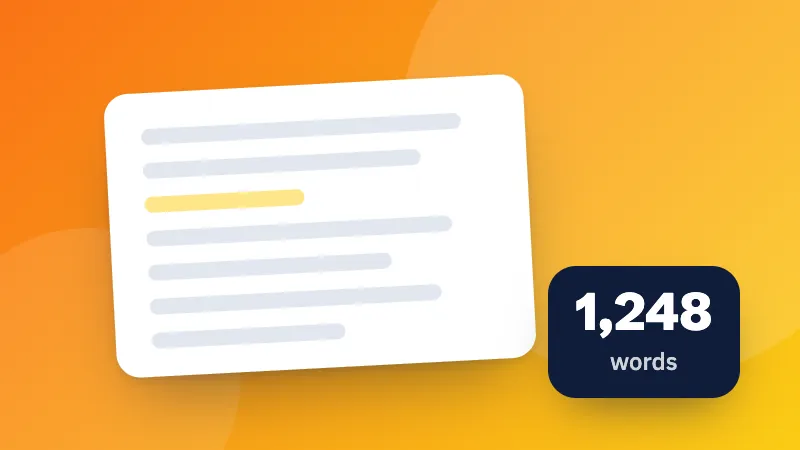
Jämför två versioner av en text sida vid sida och se exakt vilka rader som lagts till, tagits bort eller ändrats.

How to compare two texts

  1. Paste the original version on the left and the changed version on the right.
  2. The comparison updates as you type. Removed lines are shown in red with a minus sign, added lines in green with a plus sign.
  3. Use “Show only changes” to hide unchanged lines in long documents.

Common uses

  • Checking what changed between two versions of a contract, essay or policy
  • Comparing configuration files or code snippets
  • Finding the difference between two lists, for example exported data

Need to clean up lists first? Sort and de-duplicate the lines before comparing.
Frequently asked questions

How does the diff checker compare texts?

It compares the two texts line by line and finds the smallest set of added and removed lines that turns the original into the changed version, the same approach used by Git and other version-control tools.

Can I ignore whitespace or capitalization?

Yes. Tick “Ignore whitespace” to treat lines that differ only in spaces or indentation as equal, and “Ignore case” to treat uppercase and lowercase letters as the same.

Is there a size limit?

It compares texts of up to about 5,000 lines each comfortably in the browser. For larger files, a desktop tool or git diff is faster.

Is my text uploaded?

No. Both texts are compared in your browser, so it's safe for contracts, code and other private documents.

Logga in på ZYBERMART

Ha dina CV:n, fakturor, flashcards, anteckningar och sparade verktyg på alla dina enheter. Det är gratis, och verktygen fungerar likadant utan konto.

eller

Inget lösenord behövs. Genom att logga in godkänner du villkoren. Läs hur vi hanterar dina data i integritetspolicyn.

Ditt konto

När du loggar ut finns en kopia av ditt arbete kvar i den här webbläsaren. På en delad dator bör du rensa webbläsardata efteråt.

Vad vill du skapa?

Designer

Sociala medier

Dokument

Studier

Redigera

Visa alla 282 verktyg