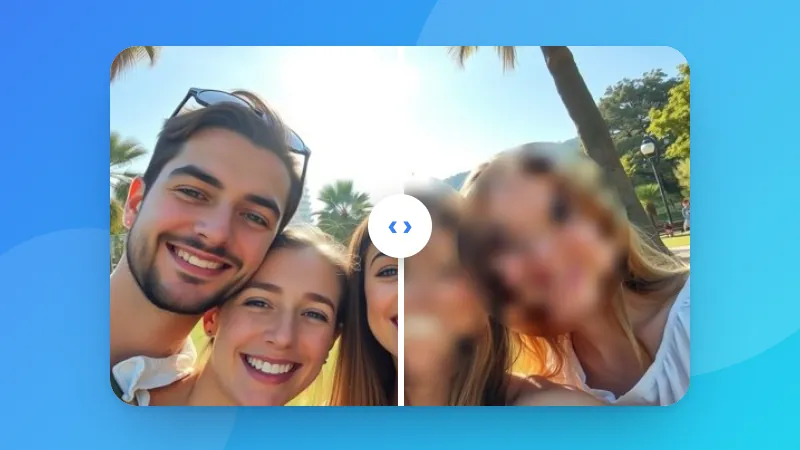
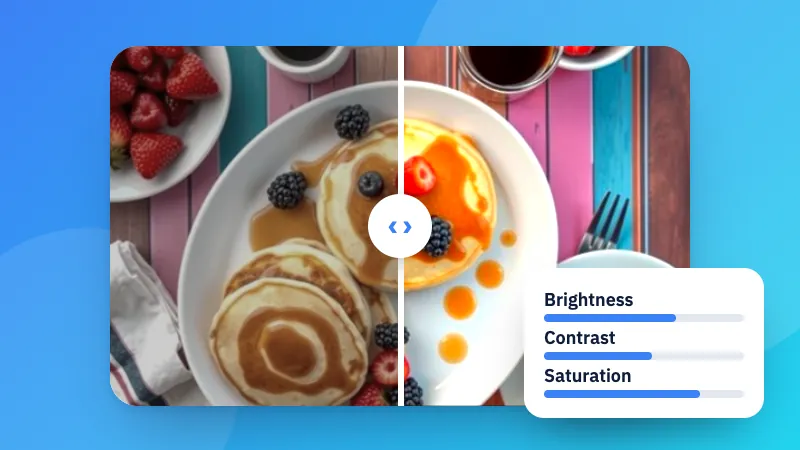
How to make pixel art from a photo
- Choose a photo. Faces, pets and simple objects work best.
- Set how many pixels across and pick a colour palette.
- Download the PNG, with or without a grid.
Prefer a picture made of letters? Try Image to ASCII art.
Convierte una foto en pixel art con el número de píxeles y la paleta de colores que elijas, con cuadrícula opcional.
Prefer a picture made of letters? Try Image to ASCII art.
The photo is shrunk to a small grid of squares, each square gets one colour, and the colours are reduced to a small set, like an old video game. It's then scaled up again with sharp edges so the pixels stay crisp.
“From the photo” picks the best few colours for your picture. The others copy famous limited palettes: a classic handheld game console (four greens), an 8-bit home computer, soft pastels, or plain black and white.
Each pixel is drawn as a block of real pixels (the “Pixel size” you choose), so the picture stays sharp when you post it. Turn on the grid to see each square, which helps if you want to copy it as a bead, cross-stitch or Minecraft pattern.
No. The pixel art is made in your browser.