Instalar ZYBERMART

Abre cualquier herramienta desde tu pantalla de inicio o el Dock, en su propia ventana. Las que ya has usado también funcionan sin conexión.

Comprobador de contraste de color

Comprueba la relación de contraste entre el color del texto y el del fondo según WCAG AA y AAA, y obtén un tono de tu color que cumpla.

Contrast ratio –

    Large text: the quick brown fox

    Normal text: Contrast makes words easy to read for everyone, including people with low vision and anyone reading a phone in bright sunlight.

    Button A link

    WCAG contrast levels

    WhatAAAAA
    Normal text4.5:17:1
    Large text (24px, or 18.5px bold)3:14.5:1
    Icons, borders, form fields3:1–

    Tips for accessible colours

    • Bright brand colours like orange, yellow and light green rarely pass on white for body text. Keep them for large headings and buttons, or use a darker shade for text.
    • Grey text on white is a common failure: #767676 is the lightest grey that passes AA.
    • Don’t use colour alone to show meaning (like red for errors); add an icon or words too.

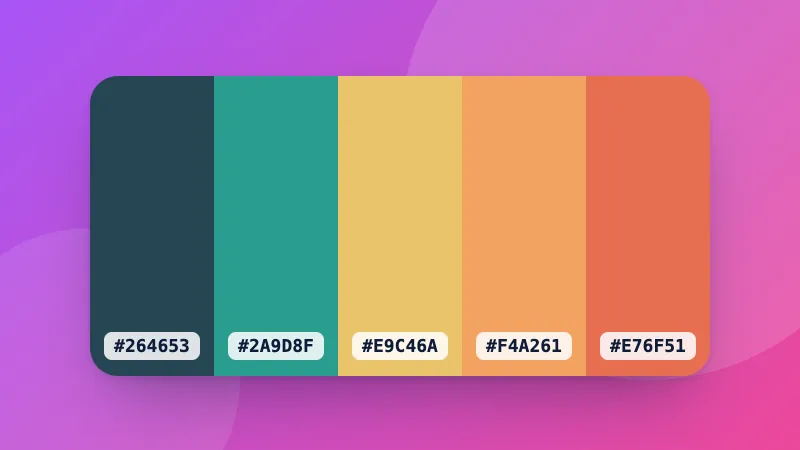
    Building a palette? Try the colour palette generator and the colour converter.
    Frequently asked questions

    What contrast ratio do I need?

    WCAG level AA, the usual legal and design standard, needs 4.5:1 for normal text and 3:1 for large text (24px, or 18.5px bold) and for icons, borders and other interface parts. Level AAA, the stricter one, needs 7:1 for normal text and 4.5:1 for large text.

    How is the contrast ratio calculated?

    From the relative luminance (perceived brightness) of the two colours: (lighter + 0.05) ÷ (darker + 0.05). It runs from 1:1 (the same colour) to 21:1 (black on white).

    What does “Suggest a passing colour” do?

    It keeps the hue of your text colour and makes it darker or lighter, just enough to reach AA (4.5:1) on your background, so you can stay close to your brand colour.

    Which colour formats can I type?

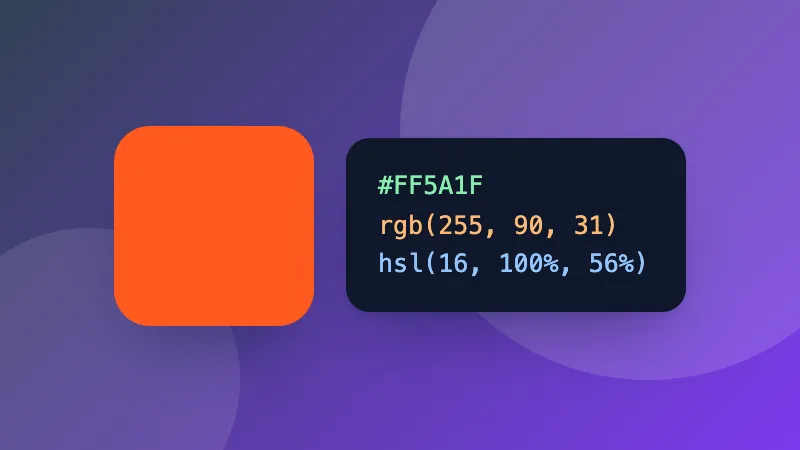
    Hex (#F60, #FF6600), rgb(255, 102, 0), hsl(24, 100%, 50%), or a CSS colour name like navy. Or use the colour picker.

    Inicia sesión en ZYBERMART

    Ten tus CV, facturas, tarjetas de estudio, notas y herramientas guardadas en todos tus dispositivos. Es gratis, y las herramientas funcionan igual sin cuenta.

    o

    No necesitas contraseña. Al iniciar sesión aceptas los términos; consulta cómo tratamos tus datos en la política de privacidad.

    Tu cuenta

    Al cerrar sesión se guarda una copia de tu trabajo en este navegador. En un ordenador compartido, borra después los datos del navegador.

    ¿Qué quieres crear?

    Diseños

    Redes sociales

    Documentos

    Estudio

    Editar

    Ver las 282 herramientas