Instal ZYBERMART

Buka semua alat dari layar utama atau dock, di jendelanya sendiri. Alat yang pernah Anda gunakan juga bisa dipakai offline.

Penerjemah Biner

Ubah teks ke kode biner dan biner kembali ke teks, atau tampilkan byte dalam heksadesimal, desimal, dan oktal.

Translate text to binary and back

Type in the top box to see your text as binary code, or paste binary into the bottom box to decode it. You can also show the same bytes in hexadecimal, decimal or octal, which is useful for programming and computer science homework.

Example

CharacterDecimalBinaryHex
A650100000141
a970110000161
0480011000030
space320010000020

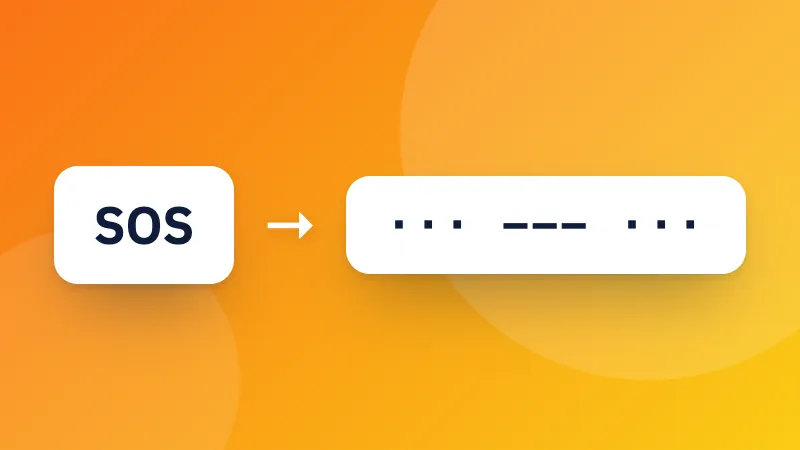
Prefer dots and dashes? Try the Morse code translator. Developers can also encode text with Base64.
Frequently asked questions

How is text turned into binary?

Each character is stored as one or more bytes using UTF-8, the encoding used by almost every website. Each byte is 8 bits, written as eight 0s and 1s. For example, “A” is 65, which is 01000001 in binary.

Why do emoji and accented letters use more digits?

UTF-8 uses one byte for basic English letters and numbers, but two to four bytes for accented letters, other alphabets and emoji. So “é” is 2 bytes and 😀 is 4.

Can I translate binary back into text?

Yes. Paste binary into the bottom box. Spaces between bytes are optional: a continuous string of 0s and 1s is split into groups of eight.

Masuk ke ZYBERMART

Simpan CV, invoice, flashcard, catatan, dan alat tersimpan Anda di semua perangkat. Gratis, dan semua alat tetap berfungsi sama tanpa akun.

atau

Tanpa kata sandi. Dengan masuk, Anda menyetujui ketentuan kami; lihat cara kami mengelola data Anda di kebijakan privasi.

Akun Anda

Saat keluar, salinan pekerjaan Anda tetap tersimpan di browser ini. Di komputer bersama, hapus data browser setelahnya.

Apa yang ingin Anda buat?

Desain

Media sosial

Dokumen

Belajar

Edit

Lihat semua 282 alat