Installera ZYBERMART

Öppna alla verktyg från hemskärmen eller Dock, i ett eget fönster. Verktyg du har använt fungerar även offline.

Binäröversättare

Konvertera text till binärkod och binärt tillbaka till text, eller visa byten hexadecimalt, decimalt och oktalt.

Translate text to binary and back

Type in the top box to see your text as binary code, or paste binary into the bottom box to decode it. You can also show the same bytes in hexadecimal, decimal or octal, which is useful for programming and computer science homework.

Example

CharacterDecimalBinaryHex
A650100000141
a970110000161
0480011000030
space320010000020

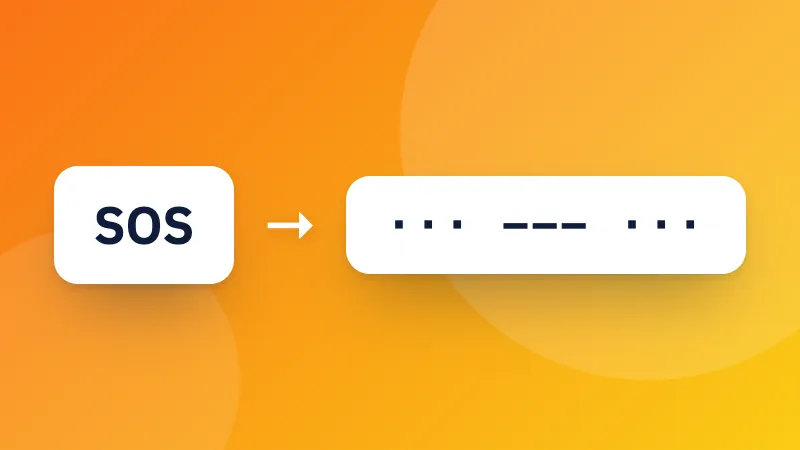
Prefer dots and dashes? Try the Morse code translator. Developers can also encode text with Base64.
Frequently asked questions

How is text turned into binary?

Each character is stored as one or more bytes using UTF-8, the encoding used by almost every website. Each byte is 8 bits, written as eight 0s and 1s. For example, “A” is 65, which is 01000001 in binary.

Why do emoji and accented letters use more digits?

UTF-8 uses one byte for basic English letters and numbers, but two to four bytes for accented letters, other alphabets and emoji. So “é” is 2 bytes and 😀 is 4.

Can I translate binary back into text?

Yes. Paste binary into the bottom box. Spaces between bytes are optional: a continuous string of 0s and 1s is split into groups of eight.

Logga in på ZYBERMART

Ha dina CV:n, fakturor, flashcards, anteckningar och sparade verktyg på alla dina enheter. Det är gratis, och verktygen fungerar likadant utan konto.

eller

Inget lösenord behövs. Genom att logga in godkänner du villkoren. Läs hur vi hanterar dina data i integritetspolicyn.

Ditt konto

När du loggar ut finns en kopia av ditt arbete kvar i den här webbläsaren. På en delad dator bör du rensa webbläsardata efteråt.

Vad vill du skapa?

Designer

Sociala medier

Dokument

Studier

Redigera

Visa alla 282 verktyg