Instalar o ZYBERMART

Abra qualquer ferramenta pela tela inicial ou pelo Dock, em uma janela própria. As ferramentas que você já usou também funcionam offline.

Tradutor binário

Converta texto em código binário e binário de volta em texto, ou veja os bytes em hexadecimal, decimal e octal.

Translate text to binary and back

Type in the top box to see your text as binary code, or paste binary into the bottom box to decode it. You can also show the same bytes in hexadecimal, decimal or octal, which is useful for programming and computer science homework.

Example

CharacterDecimalBinaryHex
A650100000141
a970110000161
0480011000030
space320010000020

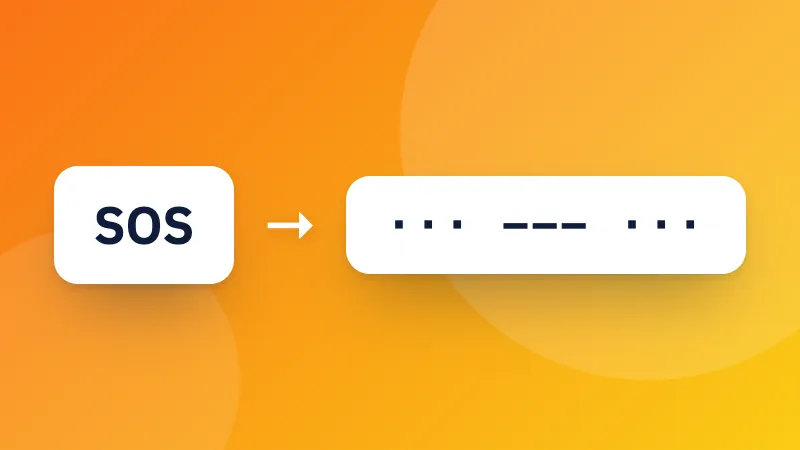
Prefer dots and dashes? Try the Morse code translator. Developers can also encode text with Base64.
Frequently asked questions

How is text turned into binary?

Each character is stored as one or more bytes using UTF-8, the encoding used by almost every website. Each byte is 8 bits, written as eight 0s and 1s. For example, “A” is 65, which is 01000001 in binary.

Why do emoji and accented letters use more digits?

UTF-8 uses one byte for basic English letters and numbers, but two to four bytes for accented letters, other alphabets and emoji. So “é” is 2 bytes and 😀 is 4.

Can I translate binary back into text?

Yes. Paste binary into the bottom box. Spaces between bytes are optional: a continuous string of 0s and 1s is split into groups of eight.

Entrar no ZYBERMART

Tenha seus currículos, faturas, flashcards, notas e ferramentas salvas em todos os seus dispositivos. É grátis, e as ferramentas funcionam igual sem conta.

ou

Não precisa de senha. Ao entrar, você concorda com os termos; veja como tratamos seus dados na política de privacidade.

Sua conta

Ao sair, uma cópia do seu trabalho fica neste navegador. Em um computador compartilhado, limpe os dados do navegador depois.

O que você quer criar?

Designs

Redes sociais

Documentos

Estudos

Editar

Ver todas as 282 ferramentas