Instal ZYBERMART

Buka semua alat dari layar utama atau dock, di jendelanya sendiri. Alat yang pernah Anda gunakan juga bisa dipakai offline.

Word ke HTML

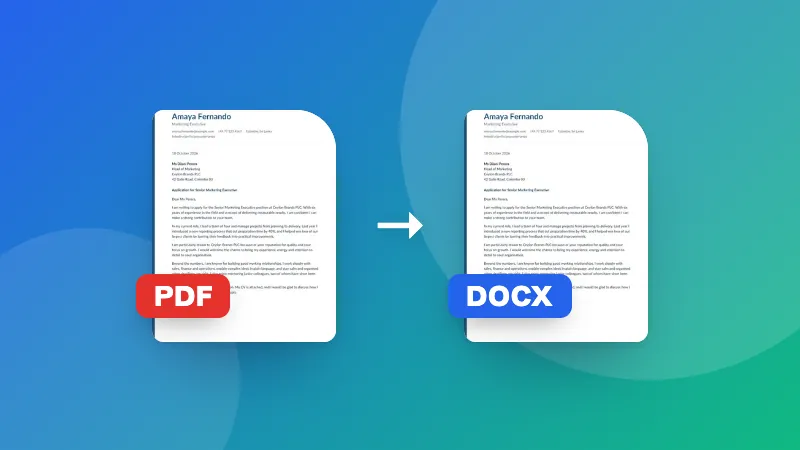
Ubah dokumen Word menjadi HTML yang bersih dan sederhana dengan judul, daftar, tabel, tautan, dan gambar.

How to convert Word to HTML

  1. Choose your .docx file.
  2. Check the preview, and choose whether to include images.
  3. Copy the HTML into your website, blog or CMS, or download it as a file.

Need special characters encoded for HTML? Use the HTML entity encoder.

Frequently asked questions

What does the HTML include?

Headings, paragraphs, bold and italic text, lists, tables, links and images, using clean semantic tags like <h1>, <p>, <ul> and <table>. Fonts, colors and exact spacing are left out, so the HTML takes the look of your website.

How are images included?

Images are embedded directly in the HTML as data URIs, so the file works on its own. Untick “Include images” for smaller code, and upload the images to your site separately.

Which Word styles become headings?

Paragraphs using Word's built-in Heading 1, Heading 2 and so on become <h1>, <h2> and so on. Text that's only made big and bold by hand stays a normal paragraph, so use heading styles in Word for the best result.

Is my document uploaded?

No. The HTML is created in your browser.
Masuk ke ZYBERMART

Simpan CV, invoice, flashcard, catatan, dan alat tersimpan Anda di semua perangkat. Gratis, dan semua alat tetap berfungsi sama tanpa akun.

atau

Tanpa kata sandi. Dengan masuk, Anda menyetujui ketentuan kami; lihat cara kami mengelola data Anda di kebijakan privasi.

Akun Anda

Saat keluar, salinan pekerjaan Anda tetap tersimpan di browser ini. Di komputer bersama, hapus data browser setelahnya.

Apa yang ingin Anda buat?

Desain

Media sosial

Dokumen

Belajar

Edit

Lihat semua 282 alat