Installera ZYBERMART

Öppna alla verktyg från hemskärmen eller Dock, i ett eget fönster. Verktyg du har använt fungerar även offline.

Beskär PDF

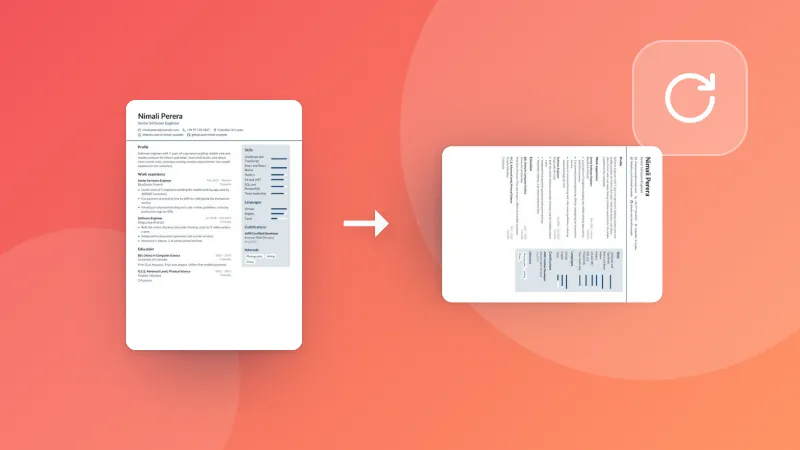
Beskär PDF-sidor genom att rita en ruta eller ange marginaler, eller ta bort vita marginaler automatiskt, på alla sidor eller bara en.

How to crop PDF pages

  1. Choose your PDF. The first page appears.
  2. Drag a box around what you want to keep, type the margins in millimetres, or remove the white margins automatically.
  3. Pick every page or just this one, and download the cropped PDF.

Good for

  • Trimming wide white margins so a document is easier to read on a phone or e-reader.
  • Cutting a chart, table or figure out of a page to share it.
  • Removing printer marks, headers or footers from scanned pages.

Need to remove whole pages instead? Use Delete PDF pages. To hide text for good, use Redact PDF.

Frequently asked questions

How do I crop a PDF?

Drag a box on the page around the part you want to keep, or type the margins to cut off. Choose whether to crop every page or just this one, then download. Or press “Remove white margins” to trim the empty space automatically.

Is the cropped part deleted?

The page is made smaller so the cut-off part no longer shows or prints in any PDF viewer. Like other PDF croppers, the content outside the box is still inside the file; to remove hidden text for good, use Redact PDF.

Does cropping lower the quality?

No. Text, pictures and links stay exactly as they were; only the visible page area changes.

Is my PDF uploaded?

No. The PDF is cropped in your browser.

Logga in på ZYBERMART

Ha dina CV:n, fakturor, flashcards, anteckningar och sparade verktyg på alla dina enheter. Det är gratis, och verktygen fungerar likadant utan konto.

eller

Inget lösenord behövs. Genom att logga in godkänner du villkoren. Läs hur vi hanterar dina data i integritetspolicyn.

Ditt konto

När du loggar ut finns en kopia av ditt arbete kvar i den här webbläsaren. På en delad dator bör du rensa webbläsardata efteråt.

Vad vill du skapa?

Designer

Sociala medier

Dokument

Studier

Redigera

Visa alla 282 verktyg