Installera ZYBERMART

Öppna alla verktyg från hemskärmen eller Dock, i ett eget fönster. Verktyg du har använt fungerar även offline.

Ändra storlek på PDF

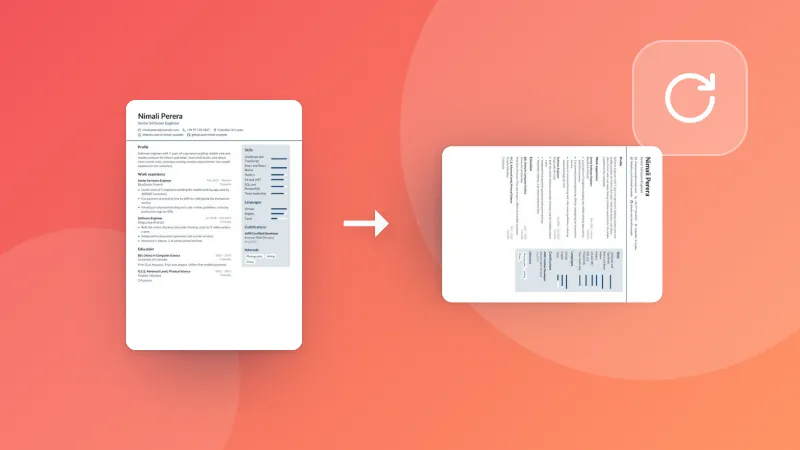
Ändra en PDF:s sidstorlek till A4, Letter, Legal, A3, A5 eller eget mått, och skala sidorna så att de passar eller behåll storleken.

How to resize PDF pages

  1. Pick the paper size you need (A4, Letter, A3 and more, or your own).
  2. Choose whether the content is scaled to fit, or kept at its size with margins.
  3. Choose your PDF. The resized PDF downloads straight away.

Printing several pages on one sheet? Use Pages per sheet. To cut off margins, use Crop PDF.

Frequently asked questions

How do I change a PDF from A4 to Letter?

Choose Letter, then your PDF. Each page is scaled to fit the new paper, keeping its shape, and centred, so nothing is cut off. Text stays sharp.

What does “Keep the size, add margins” do?

The pages keep their size and are placed on the new paper as they are: smaller pages get white margins around them, bigger ones are trimmed at the edges. Use it when the print size must stay exact.

Are landscape pages kept landscape?

Yes. With “Match each page”, landscape pages get landscape paper and portrait pages portrait paper.

Is my PDF uploaded?

No. The pages are resized in your browser.

Logga in på ZYBERMART

Ha dina CV:n, fakturor, flashcards, anteckningar och sparade verktyg på alla dina enheter. Det är gratis, och verktygen fungerar likadant utan konto.

eller

Inget lösenord behövs. Genom att logga in godkänner du villkoren. Läs hur vi hanterar dina data i integritetspolicyn.

Ditt konto

När du loggar ut finns en kopia av ditt arbete kvar i den här webbläsaren. På en delad dator bör du rensa webbläsardata efteråt.

Vad vill du skapa?

Designer

Sociala medier

Dokument

Studier

Redigera

Visa alla 282 verktyg