Installera ZYBERMART

Öppna alla verktyg från hemskärmen eller Dock, i ett eget fönster. Verktyg du har använt fungerar även offline.

PDF till Word

Gör om en PDF till ett redigerbart Word-dokument (.docx) med stycken och rubriker.

How to convert PDF to Word

  1. Choose your PDF.
  2. Check the preview of the paragraphs and headings.
  3. Click Download Word file and open it in Word, Google Docs or LibreOffice.

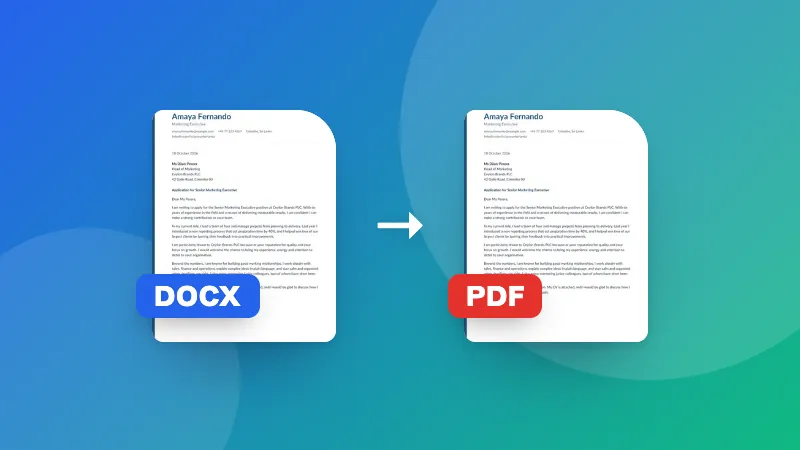
Only need the plain text? Use PDF to Text. Converting the other way? Use Word to PDF.

Frequently asked questions

What is kept when converting PDF to Word?

The text, paragraphs, headings (from larger font sizes) and bold text, so you can edit the document in Word, Google Docs or LibreOffice. Images, tables, columns and exact positions aren't recreated; for those, retype or copy them from the PDF.

Why is my Word document empty?

The PDF is probably a scan, so its pages are pictures without text. Converting those needs OCR (text recognition), which you can do with the Scanned PDF to Text tool.

Will the layout look exactly like the PDF?

No. PDFs store text at fixed positions, while Word flows text into paragraphs. The converter rebuilds paragraphs so the text is easy to edit, which means the line breaks and page breaks may differ.

Is my PDF uploaded?

No. The PDF is read and the Word file is created in your browser.
Logga in på ZYBERMART

Ha dina CV:n, fakturor, flashcards, anteckningar och sparade verktyg på alla dina enheter. Det är gratis, och verktygen fungerar likadant utan konto.

eller

Inget lösenord behövs. Genom att logga in godkänner du villkoren. Läs hur vi hanterar dina data i integritetspolicyn.

Ditt konto

När du loggar ut finns en kopia av ditt arbete kvar i den här webbläsaren. På en delad dator bör du rensa webbläsardata efteråt.

Vad vill du skapa?

Designer

Sociala medier

Dokument

Studier

Redigera

Visa alla 282 verktyg