Instalar ZYBERMART

Abre cualquier herramienta desde tu pantalla de inicio o el Dock, en su propia ventana. Las que ya has usado también funcionan sin conexión.

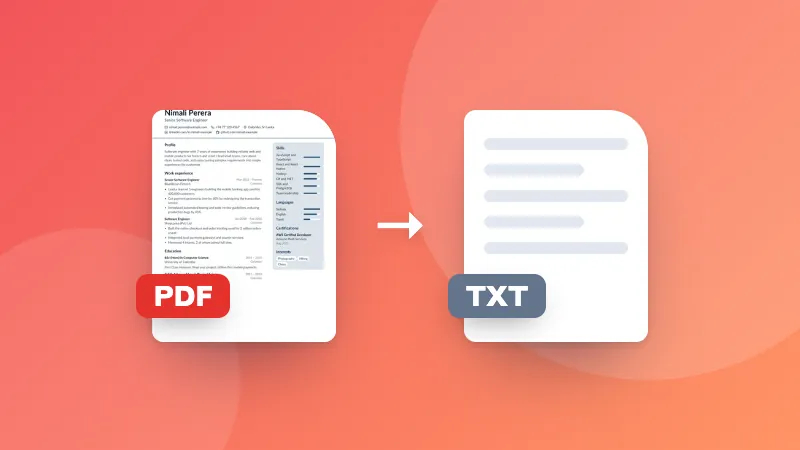
PDF escaneado a texto (OCR)

Lee el texto de PDF escaneados con OCR, y cópialo o descarga un PDF con texto que puedes seleccionar y buscar.

How to convert a scanned PDF to text

  1. Choose the language of the document.
  2. Choose your scanned PDF. Each page is read in turn.
  3. Copy the text, download it as a .txt file, or download a searchable PDF.

Want to edit the text in Word? Paste it into a document, or convert the searchable PDF with PDF to Word.

Frequently asked questions

What is a searchable PDF?

A PDF that looks exactly like your scan, with an invisible text layer on top. You can then search it with Ctrl+F, select and copy text, and find it in your computer's search.

How long does it take?

Usually 2–6 seconds per page on a laptop, longer on phones. Large documents are read page by page, and you can see the progress.

My PDF already has text. Do I need OCR?

If you can select the text in your PDF viewer, it already has text; use PDF to Text instead, which is faster and exact. OCR is for scans and photos saved as PDF.

Is my PDF uploaded?

No. Every page is read in your browser with the open-source Tesseract engine.

Inicia sesión en ZYBERMART

Ten tus CV, facturas, tarjetas de estudio, notas y herramientas guardadas en todos tus dispositivos. Es gratis, y las herramientas funcionan igual sin cuenta.

o

No necesitas contraseña. Al iniciar sesión aceptas los términos; consulta cómo tratamos tus datos en la política de privacidad.

Tu cuenta

Al cerrar sesión se guarda una copia de tu trabajo en este navegador. En un ordenador compartido, borra después los datos del navegador.

¿Qué quieres crear?

Diseños

Redes sociales

Documentos

Estudio

Editar

Ver las 282 herramientas