Instalar ZYBERMART

Abre cualquier herramienta desde tu pantalla de inicio o el Dock, en su propia ventana. Las que ya has usado también funcionan sin conexión.

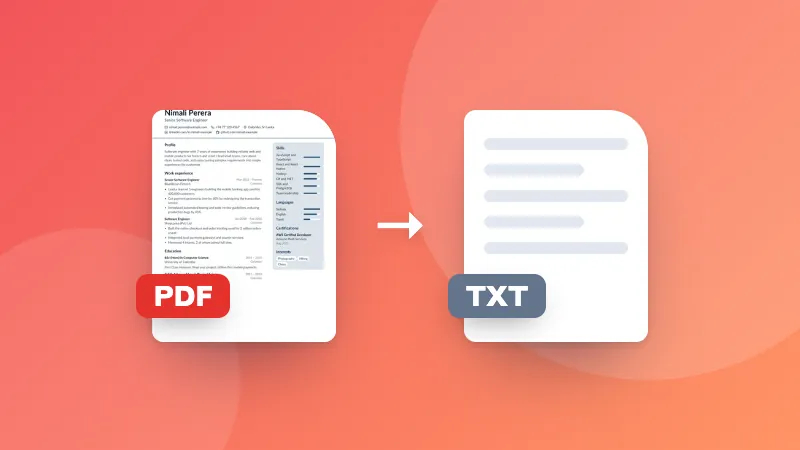
Convertir PDF a PNG

Guarda cada página de un PDF como una imagen PNG nítida, eligiendo la resolución.

    How to convert PDF to PNG

    1. Choose the resolution.
    2. Choose your PDF. Every page is converted to a PNG image.
    3. Download single pages, or all pages as a ZIP.

    For smaller files, use PDF to JPG. To save only the pictures inside the PDF, use Extract Images from PDF.

    Frequently asked questions

    Should I convert PDF to PNG or JPG?

    PNG keeps text and line drawings perfectly sharp and can have a transparent background, so it's best for documents, slides and diagrams. JPG makes smaller files and suits pages that are mostly photos.

    Which resolution should I choose?

    150 DPI is good for viewing on screen and sharing. Choose 300 DPI for printing or when you need to zoom in on small text. Higher resolutions make larger files.

    Can I get a transparent background?

    Yes. Tick “Transparent background” and areas of the page without content become transparent instead of white.

    Is my PDF uploaded?

    No. Pages are converted in your browser.

    Inicia sesión en ZYBERMART

    Ten tus CV, facturas, tarjetas de estudio, notas y herramientas guardadas en todos tus dispositivos. Es gratis, y las herramientas funcionan igual sin cuenta.

    o

    No necesitas contraseña. Al iniciar sesión aceptas los términos; consulta cómo tratamos tus datos en la política de privacidad.

    Tu cuenta

    Al cerrar sesión se guarda una copia de tu trabajo en este navegador. En un ordenador compartido, borra después los datos del navegador.

    ¿Qué quieres crear?

    Diseños

    Redes sociales

    Documentos

    Estudio

    Editar

    Ver las 282 herramientas