Instalar ZYBERMART

Abre cualquier herramienta desde tu pantalla de inicio o el Dock, en su propia ventana. Las que ya has usado también funcionan sin conexión.

Convertir PDF a JPG

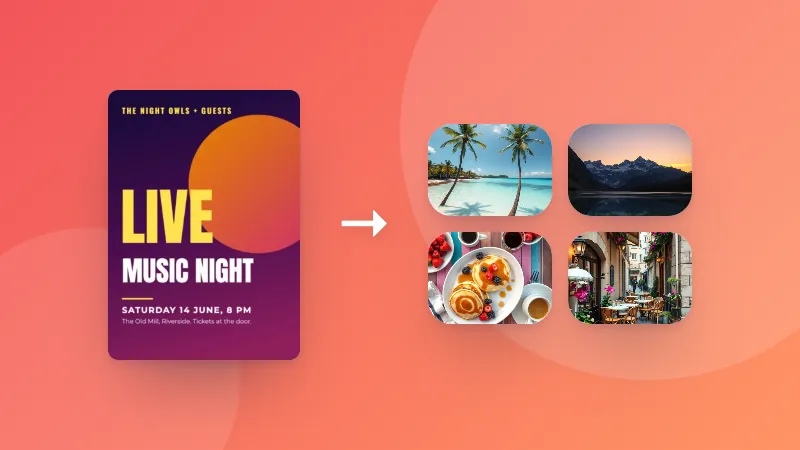
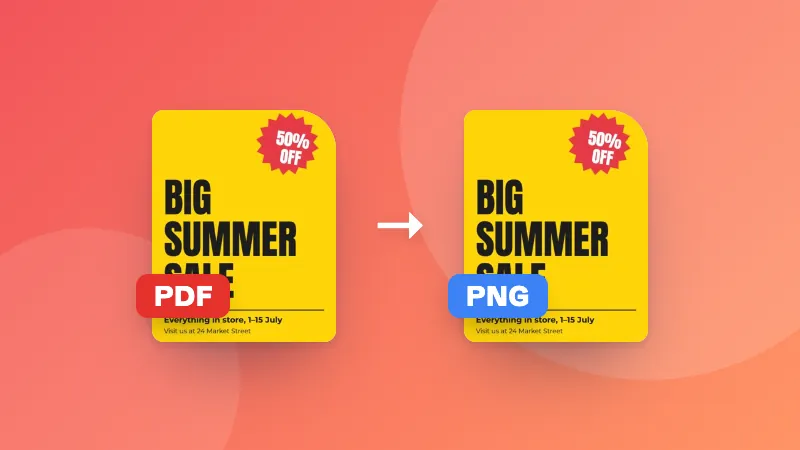
Convierte cada página de un PDF en una imagen JPG de alta calidad. Descarga las páginas una a una o todas juntas en un ZIP.

    How to convert PDF pages to JPG images

    1. Pick the resolution and quality you need.
    2. Choose your PDF. Each page is converted to a JPG and shown as a preview.
    3. Download single pages, or all pages at once as a ZIP.

    Why convert a PDF to images?

    • Posting a page on social media or in a chat app that doesn't show PDFs
    • Adding a page to a presentation, document or website as a picture
    • Uploading to forms that only accept images
    • Sharing a single page quickly without sending the whole document

    Want to go the other way? Use the JPG to PDF converter.
    Frequently asked questions

    How do I convert a PDF to JPG?

    Choose your PDF and the image quality. Every page is turned into a JPG image that you can download one by one, or all together as a ZIP file.

    What resolution should I choose?

    150 DPI is good for viewing on screen and sharing. Choose 300 DPI for printing or when you need to zoom in on small text. Higher resolutions create larger files.

    Can I convert just one page?

    Yes. All pages are converted, and you can download only the ones you need.

    Does it work with scanned PDFs?

    Yes. Scanned pages are already images inside the PDF, so they convert well. The result can't be sharper than the original scan.

    Are my files uploaded?

    No. Pages are rendered in your browser using the same PDF engine Firefox uses, so your document never leaves your device.

    Inicia sesión en ZYBERMART

    Ten tus CV, facturas, tarjetas de estudio, notas y herramientas guardadas en todos tus dispositivos. Es gratis, y las herramientas funcionan igual sin cuenta.

    o

    No necesitas contraseña. Al iniciar sesión aceptas los términos; consulta cómo tratamos tus datos en la política de privacidad.

    Tu cuenta

    Al cerrar sesión se guarda una copia de tu trabajo en este navegador. En un ordenador compartido, borra después los datos del navegador.

    ¿Qué quieres crear?

    Diseños

    Redes sociales

    Documentos

    Estudio

    Editar

    Ver las 282 herramientas