How to remove background noise from audio
- Choose a voice recording, voice note or video.
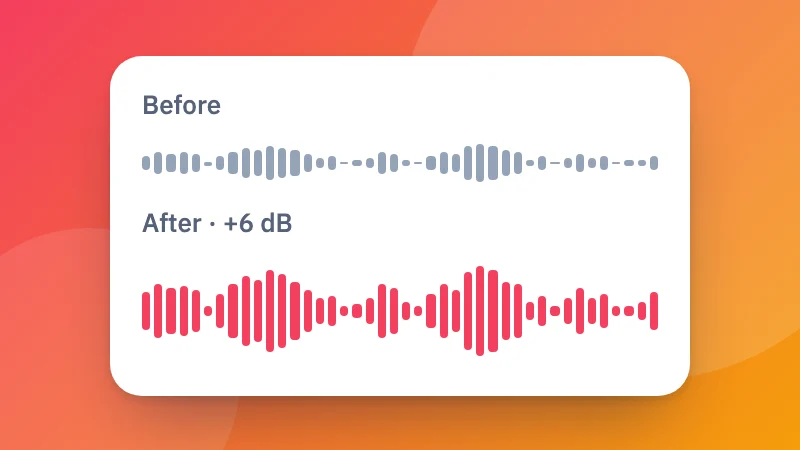
- Click Remove noise. Compare the before and after, and adjust the strength if you like.
- Download the cleaned file.
The noise remover uses RNNoise, an AI model trained to tell voices apart from noise. It runs on your device, so it's private and works even with long recordings.
Want the words as text? Turn the cleaned audio into a transcript with speech to text, or add captions to a video with Add Subtitles to Video.
Frequently asked questions
What kind of noise can it remove?
Steady and everyday background noise around a voice: fans, air conditioners, traffic, wind, keyboard typing, hum and hiss, and noisy rooms. It's designed for speech, so it works best on voice recordings, calls, lectures, podcasts and videos of people talking.
Will it work on music?
Not well. The noise remover keeps human voices and removes everything else, so it would remove most of the music too. Use it for speech.
Can I clean the sound of a video?
Yes. Choose a video and download the cleaned video: the picture is kept exactly as it was (it isn't re-encoded), and only the sound is replaced.
Is my recording uploaded?
No. The noise removal runs in your browser using RNNoise, an open-source AI model. Your audio never leaves your device.
The voice sounds a little thin. What can I do?
Lower the strength to around 70 to 80%. This mixes a little of the original sound back in, which keeps the voice natural while still removing most of the noise.