Instalar ZYBERMART

Abre cualquier herramienta desde tu pantalla de inicio o el Dock, en su propia ventana. Las que ya has usado también funcionan sin conexión.

Unir audio

Une archivos MP3, WAV, M4A y otros en uno solo, con silencio o un fundido suave entre ellos.

How to join audio files

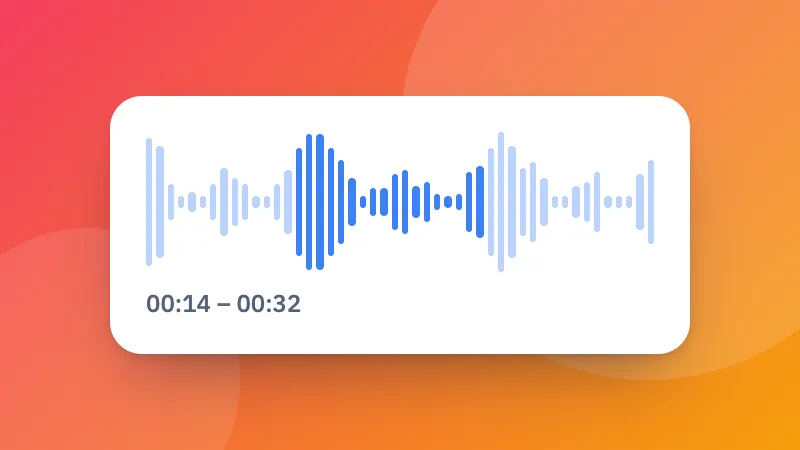
  1. Choose two or more audio files: songs, voice notes, podcast parts or lesson recordings.
  2. Put them in order, and choose what goes between them: nothing, a short silence or a smooth crossfade.
  3. Click Join audio, listen to the result and download it.

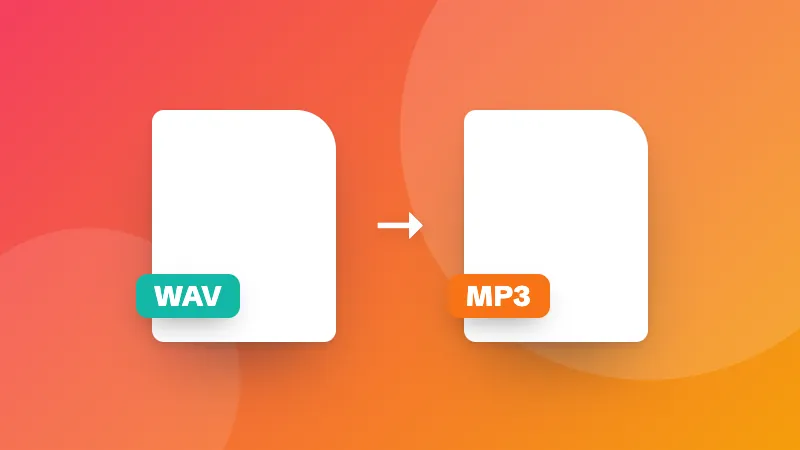
Need to cut a part out first? Use the audio cutter. To change the format of a single file, use the audio converter.
Frequently asked questions

Can I join MP3 files without losing quality?

The files are joined and saved again as one MP3 at high quality (192 kbps or more), which sounds the same as the originals. Choose WAV if you need a lossless result.

Can I join files of different formats?

Yes. You can mix MP3, WAV, M4A, OGG, FLAC and even the sound from MP4 videos. Everything is converted to the format you choose.

What does “Even out the volume” do?

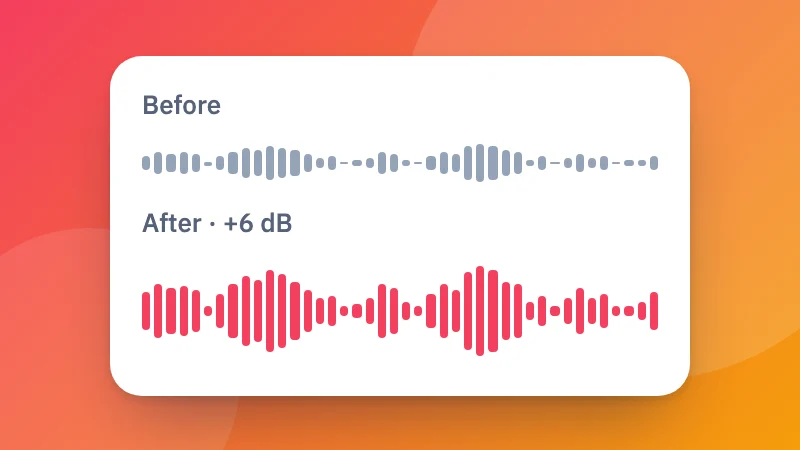
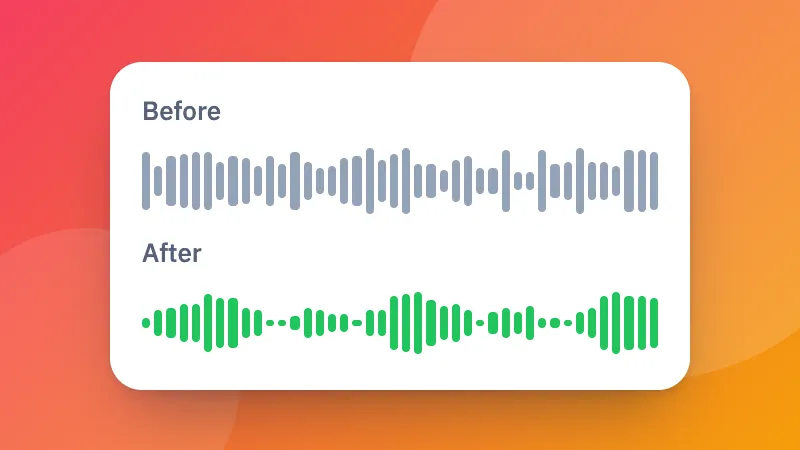
It makes every file about equally loud, so a quiet recording doesn't get lost next to a loud one. It's useful for joining voice notes, lessons or songs from different sources.

Are my files uploaded?

No. Your audio is joined in your browser and never leaves your device.

Inicia sesión en ZYBERMART

Ten tus CV, facturas, tarjetas de estudio, notas y herramientas guardadas en todos tus dispositivos. Es gratis, y las herramientas funcionan igual sin cuenta.

o

No necesitas contraseña. Al iniciar sesión aceptas los términos; consulta cómo tratamos tus datos en la política de privacidad.

Tu cuenta

Al cerrar sesión se guarda una copia de tu trabajo en este navegador. En un ordenador compartido, borra después los datos del navegador.

¿Qué quieres crear?

Diseños

Redes sociales

Documentos

Estudio

Editar

Ver las 282 herramientas