Instalar ZYBERMART

Abre cualquier herramienta desde tu pantalla de inicio o el Dock, en su propia ventana. Las que ya has usado también funcionan sin conexión.

Cambiar velocidad y tono de audio

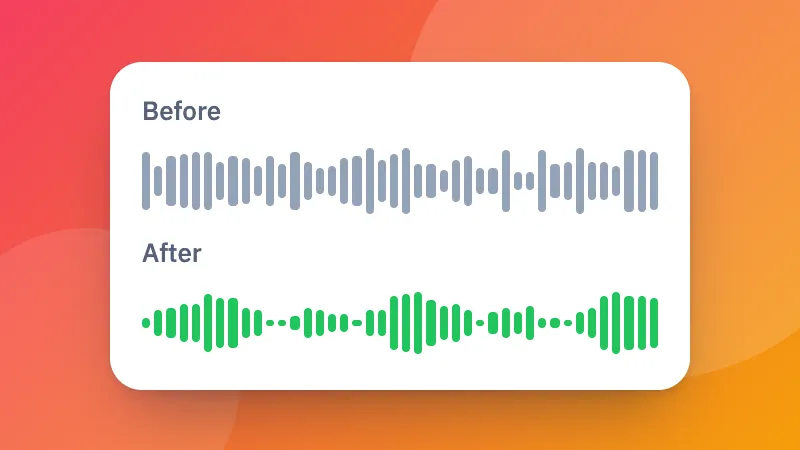
Acelera o ralentiza el sonido sin efecto ardilla, o sube o baja el tono en semitonos.

How to change the speed or pitch of audio

  1. Choose a sound file.
  2. Set the speed and the pitch. Keep the pitch to speed up speech without it sounding odd.
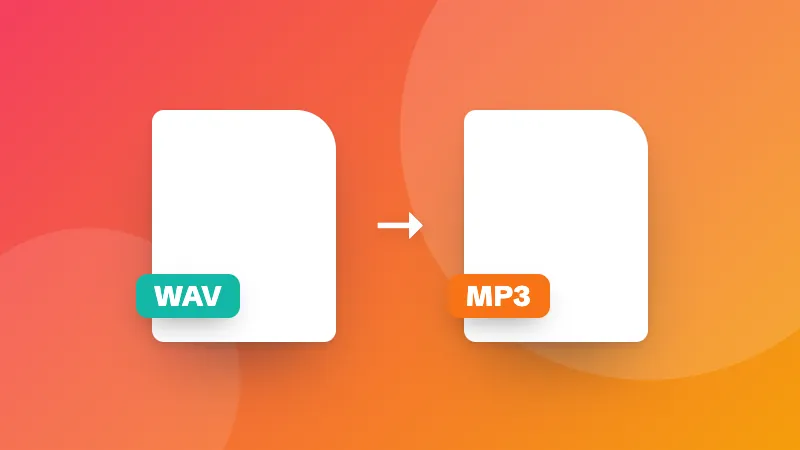
  3. Listen and download it as MP3, M4A or WAV.

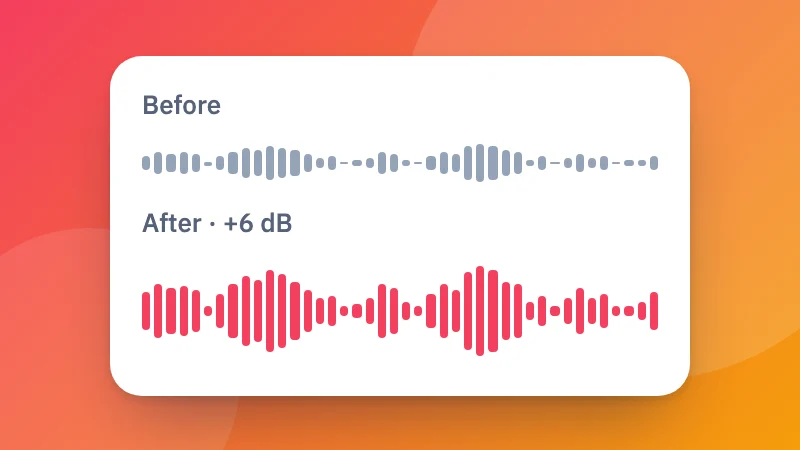
For a video, use change video speed. Making it louder too? Try the volume booster.
Frequently asked questions

Can I change the speed without making voices sound like chipmunks?

Yes. Keep “Keep the pitch” ticked and the sound gets faster or slower at the same pitch.

Can I change the pitch without changing the speed?

Yes. Leave the speed at 1× and move the pitch up or down in semitones, for example to sing along in a different key.

What range does it cover?

Speed from half (0.5×) to double (2×), and pitch up or down 12 semitones, a whole octave.

Is my file uploaded?

No. It is changed in your browser and saved as MP3, M4A or WAV.

Inicia sesión en ZYBERMART

Ten tus CV, facturas, tarjetas de estudio, notas y herramientas guardadas en todos tus dispositivos. Es gratis, y las herramientas funcionan igual sin cuenta.

o

No necesitas contraseña. Al iniciar sesión aceptas los términos; consulta cómo tratamos tus datos en la política de privacidad.

Tu cuenta

Al cerrar sesión se guarda una copia de tu trabajo en este navegador. En un ordenador compartido, borra después los datos del navegador.

¿Qué quieres crear?

Diseños

Redes sociales

Documentos

Estudio

Editar

Ver las 282 herramientas