Instalar ZYBERMART

Abre cualquier herramienta desde tu pantalla de inicio o el Dock, en su propia ventana. Las que ya has usado también funcionan sin conexión.

Generador de meta tags

Escribe el título, la descripción y las etiquetas Open Graph de tu página con vistas previas en directo de cómo se ve en Google y al compartirla.

Google search result

Facebook, LinkedIn, WhatsApp

Image preview

Tips for titles and descriptions that get clicks

  • Match the search: use the words people actually search for, near the start of the title.
  • Be specific: “Mortgage calculator with taxes and PMI” beats “Mortgage tool”.
  • Make every page unique: duplicate titles and descriptions confuse search engines.
  • Write for people: the description is an ad for your page. Say what the visitor gets.

After publishing, test your share preview with Facebook's Sharing Debugger or LinkedIn's Post Inspector, which also clear their caches. Need icons too? Use the favicon generator.
Frequently asked questions

How long should a title tag be?

Aim for 50–60 characters. Google cuts titles off at about 600 pixels wide, which is roughly 60 characters. Put the most important words first and your brand name last.

How long should a meta description be?

About 120–160 characters. Google may rewrite descriptions, but a clear, specific summary that matches the page usually gets used and improves click-through.

What are Open Graph tags?

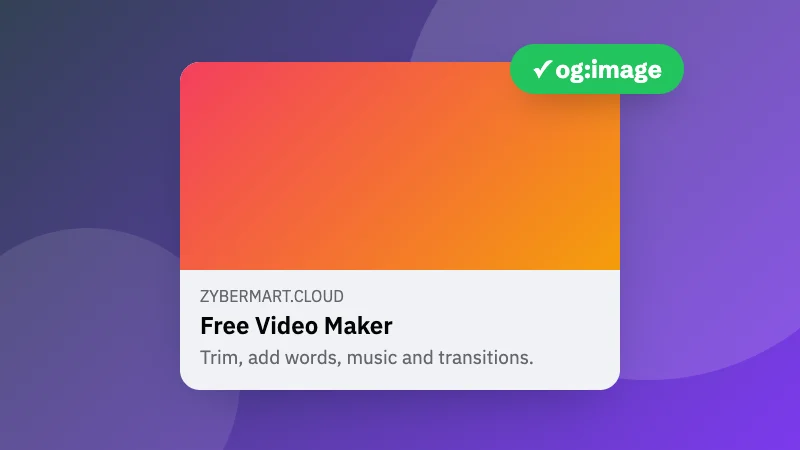
Open Graph (og:) tags control how a link looks when it's shared on Facebook, LinkedIn, WhatsApp, Slack and many other apps: the title, description and image. X (Twitter) reads them too, plus its own twitter: tags.

What size should the share image be?

1200×630 pixels (a 1.91:1 ratio) works everywhere. Keep important text away from the edges, and keep the file under about 5 MB. Use an absolute URL starting with https://.

Inicia sesión en ZYBERMART

Ten tus CV, facturas, tarjetas de estudio, notas y herramientas guardadas en todos tus dispositivos. Es gratis, y las herramientas funcionan igual sin cuenta.

o

No necesitas contraseña. Al iniciar sesión aceptas los términos; consulta cómo tratamos tus datos en la política de privacidad.

Tu cuenta

Al cerrar sesión se guarda una copia de tu trabajo en este navegador. En un ordenador compartido, borra después los datos del navegador.

¿Qué quieres crear?

Diseños

Redes sociales

Documentos

Estudio

Editar

Ver las 282 herramientas