How to make a QR code
- Choose what the code should do: open a website, share a contact card, join a Wi-Fi network, send a WhatsApp message and more.
- Fill in the details. The preview updates as you type.
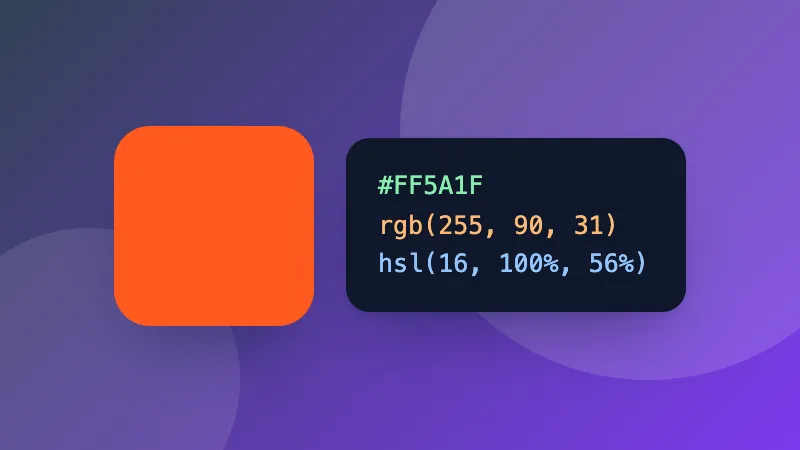
- Pick a style, colors and your logo, check that it says “Scans correctly”, then download it as PNG, SVG, JPG or WEBP.
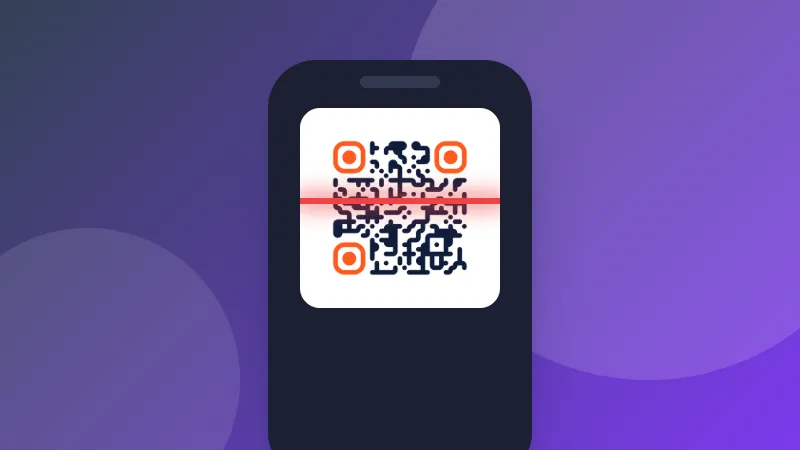
Test before you print. Scan the code with your phone's camera to make sure it opens the right thing, especially after changing colors.
Tips for QR codes that always scan
- Keep strong contrast: a dark code on a light background. Inverted (light on dark) codes don't work with every scanner.
- Leave a quiet zone: keep a clear margin around the code; the downloads include one.
- Print it large enough: at least 2 × 2 cm (about 0.8 inch) for close-up scanning, larger for posters read from a distance.
- Shorter is better: short links and text make simpler codes that scan faster.
QR Code is a registered trademark of DENSO WAVE INCORPORATED.