Instalar ZYBERMART

Abre cualquier herramienta desde tu pantalla de inicio o el Dock, en su propia ventana. Las que ya has usado también funcionan sin conexión.

Lector de códigos de barras

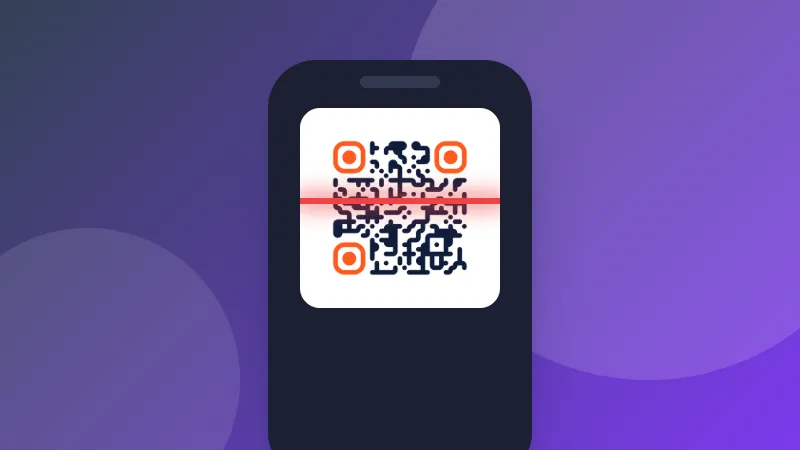
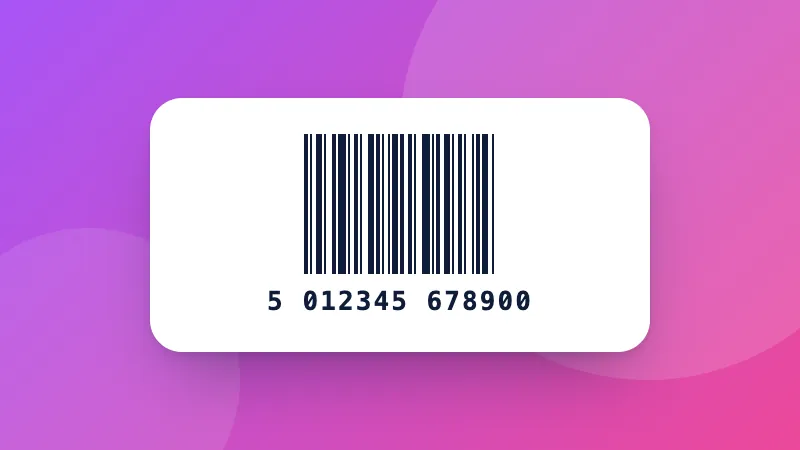
Escanea códigos EAN, UPC, Code 128, Data Matrix, PDF417, Aztec, QR y otros con la cámara o desde fotos, varios a la vez, y expórtalos a CSV.

How to scan a barcode online

  1. Click Start camera and allow access, or choose a photo or screenshot.
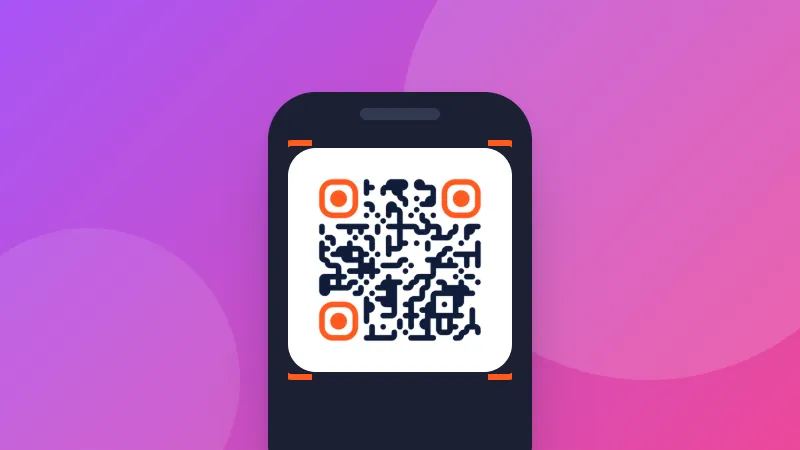
  2. Hold the barcode inside the frame. Each new code is beeped, shown and added to the list.
  3. Copy the result, look the product up, or download everything you've scanned as a CSV file.

Good uses

  • Stocktaking: scan many products, then download the CSV and open it in Excel.
  • Checking labels: read Data Matrix and GS1 codes on medicines and shipments, including expiry dates and batch numbers.
  • Books: scan the ISBN to look a book up.

Need to make barcodes? Use the barcode generator. To open the CSV, try the spreadsheet viewer.
Frequently asked questions

Which barcode types can it read?

Linear barcodes: EAN-13, EAN-8, UPC-A, UPC-E, ISBN, Code 128 and GS1-128, Code 39, Code 93, Codabar, ITF and ITF-14, GS1 DataBar, Telepen, PZN and more. 2D codes: QR Code, Micro QR, rMQR, Data Matrix (including GS1), PDF417 and MicroPDF417, Aztec and MaxiCode.

Can it read several barcodes in one photo?

Yes. Choose an image and every code in it is found and numbered on the picture, for example all the labels on a box or a sheet of stickers. You can also choose several images at once.

Why won't my barcode scan?

Hold the camera steady, close enough that the barcode fills most of the frame, and avoid glare. Long linear barcodes scan best when held horizontally inside the wide frame. Turn on the flashlight in dim light. Very small or damaged codes may need a sharper photo.

What do the GS1 fields mean?

GS1 barcodes on products and shipments contain data with standard codes: (01) is the product number (GTIN), (17) the expiry date, (10) the batch or lot, and (21) the serial number. The scanner lists these by name.

Is the camera image sent anywhere?

No. Codes are read on your device by the open-source ZXing engine, and nothing is recorded or uploaded.

Inicia sesión en ZYBERMART

Ten tus CV, facturas, tarjetas de estudio, notas y herramientas guardadas en todos tus dispositivos. Es gratis, y las herramientas funcionan igual sin cuenta.

o

No necesitas contraseña. Al iniciar sesión aceptas los términos; consulta cómo tratamos tus datos en la política de privacidad.

Tu cuenta

Al cerrar sesión se guarda una copia de tu trabajo en este navegador. En un ordenador compartido, borra después los datos del navegador.

¿Qué quieres crear?

Diseños

Redes sociales

Documentos

Estudio

Editar

Ver las 282 herramientas