How to blur faces in a photo
- Choose your photo. Faces are found and blurred automatically.
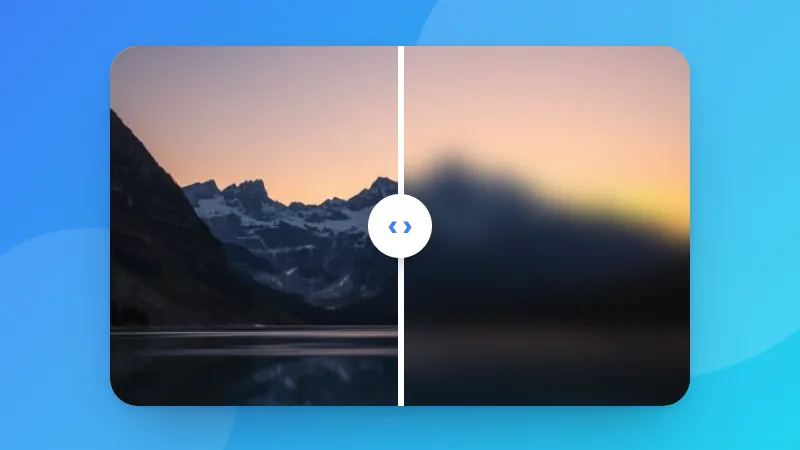
- Pick the effect: blur, pixelate, a solid box or an emoji.
- Click a face to leave it sharp, or drag over anything else you want to hide, like a number plate or a name tag.
- Download the photo. Location and camera data from the original aren't included.
Face detection by YuNet (MIT License) running with ONNX Runtime Web.