Installera ZYBERMART

Öppna alla verktyg från hemskärmen eller Dock, i ett eget fönster. Verktyg du har använt fungerar även offline.

PDF till JPG

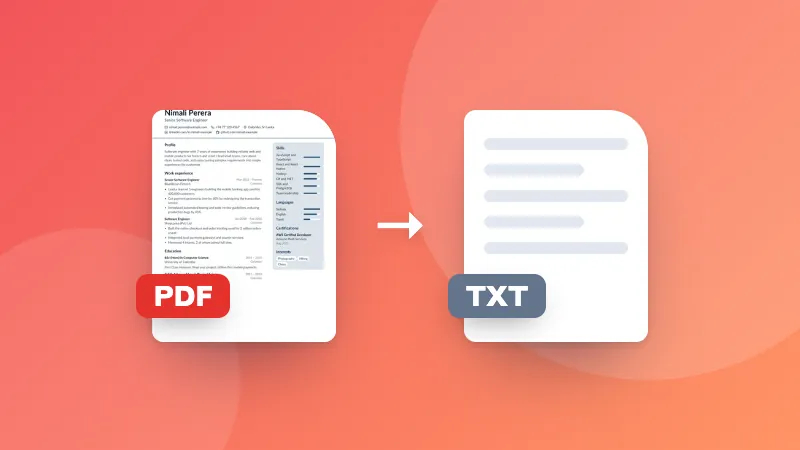
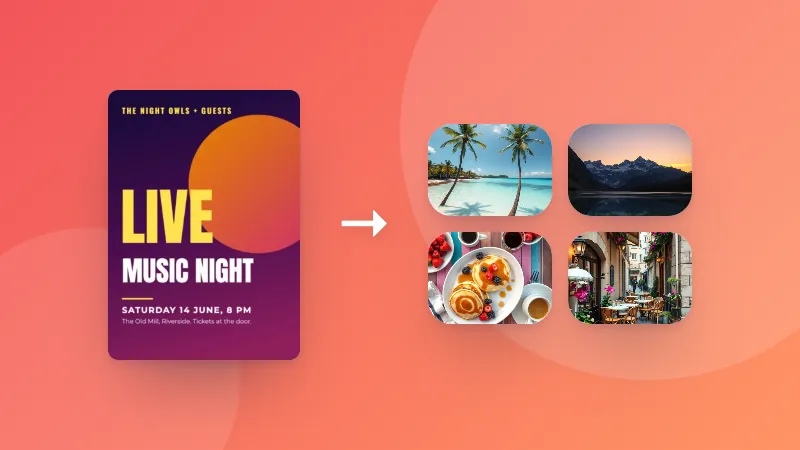
Konvertera varje sida i en PDF till en JPG-bild av hög kvalitet. Ladda ner sidorna en och en eller alla tillsammans som ZIP.

    How to convert PDF pages to JPG images

    1. Pick the resolution and quality you need.
    2. Choose your PDF. Each page is converted to a JPG and shown as a preview.
    3. Download single pages, or all pages at once as a ZIP.

    Why convert a PDF to images?

    • Posting a page on social media or in a chat app that doesn't show PDFs
    • Adding a page to a presentation, document or website as a picture
    • Uploading to forms that only accept images
    • Sharing a single page quickly without sending the whole document

    Want to go the other way? Use the JPG to PDF converter.
    Frequently asked questions

    How do I convert a PDF to JPG?

    Choose your PDF and the image quality. Every page is turned into a JPG image that you can download one by one, or all together as a ZIP file.

    What resolution should I choose?

    150 DPI is good for viewing on screen and sharing. Choose 300 DPI for printing or when you need to zoom in on small text. Higher resolutions create larger files.

    Can I convert just one page?

    Yes. All pages are converted, and you can download only the ones you need.

    Does it work with scanned PDFs?

    Yes. Scanned pages are already images inside the PDF, so they convert well. The result can't be sharper than the original scan.

    Are my files uploaded?

    No. Pages are rendered in your browser using the same PDF engine Firefox uses, so your document never leaves your device.

    Logga in på ZYBERMART

    Ha dina CV:n, fakturor, flashcards, anteckningar och sparade verktyg på alla dina enheter. Det är gratis, och verktygen fungerar likadant utan konto.

    eller

    Inget lösenord behövs. Genom att logga in godkänner du villkoren. Läs hur vi hanterar dina data i integritetspolicyn.

    Ditt konto

    När du loggar ut finns en kopia av ditt arbete kvar i den här webbläsaren. På en delad dator bör du rensa webbläsardata efteråt.

    Vad vill du skapa?

    Designer

    Sociala medier

    Dokument

    Studier

    Redigera

    Visa alla 282 verktyg