Instal ZYBERMART

Buka semua alat dari layar utama atau dock, di jendelanya sendiri. Alat yang pernah Anda gunakan juga bisa dipakai offline.

Potong Audio

Potong bagian dari lagu atau rekaman, tambah fade in atau fade out, dan simpan sebagai MP3, M4A, atau WAV.

How to cut an MP3

  1. Choose your audio file.
  2. Drag across the waveform to select the part to keep, or type the start and end times.
  3. Add a fade if you like, choose the format, and click Save selection.

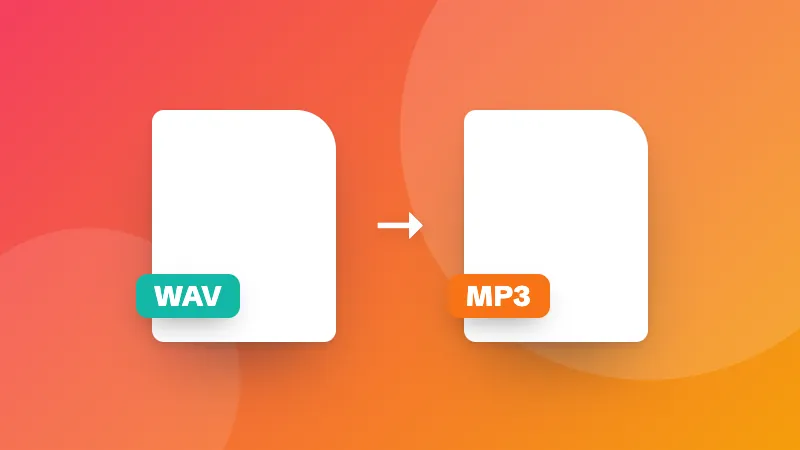
Converting a whole file instead? Use the audio converter.
Frequently asked questions

How do I make a ringtone?

Choose the song, drag on the waveform to select up to 30 seconds (iPhone ringtones can be up to 40 seconds), add a short fade in and fade out, and save it. For Android, save as MP3; for iPhone, save as M4A and add it through Finder, iTunes or GarageBand.

Can I cut audio from a video?

Yes. Choose the video file and its sound is loaded into the cutter.

Does cutting reduce the quality?

The selection is encoded again in the format you choose. At 192 kbps MP3 or M4A the difference isn't noticeable; choose WAV to keep every detail.

Are my files uploaded?

No. The audio is cut in your browser.

Masuk ke ZYBERMART

Simpan CV, invoice, flashcard, catatan, dan alat tersimpan Anda di semua perangkat. Gratis, dan semua alat tetap berfungsi sama tanpa akun.

atau

Tanpa kata sandi. Dengan masuk, Anda menyetujui ketentuan kami; lihat cara kami mengelola data Anda di kebijakan privasi.

Akun Anda

Saat keluar, salinan pekerjaan Anda tetap tersimpan di browser ini. Di komputer bersama, hapus data browser setelahnya.

Apa yang ingin Anda buat?

Desain

Media sosial

Dokumen

Belajar

Edit

Lihat semua 282 alat