Instal ZYBERMART

Buka semua alat dari layar utama atau dock, di jendelanya sendiri. Alat yang pernah Anda gunakan juga bisa dipakai offline.

Ubah Kecepatan & Nada Audio

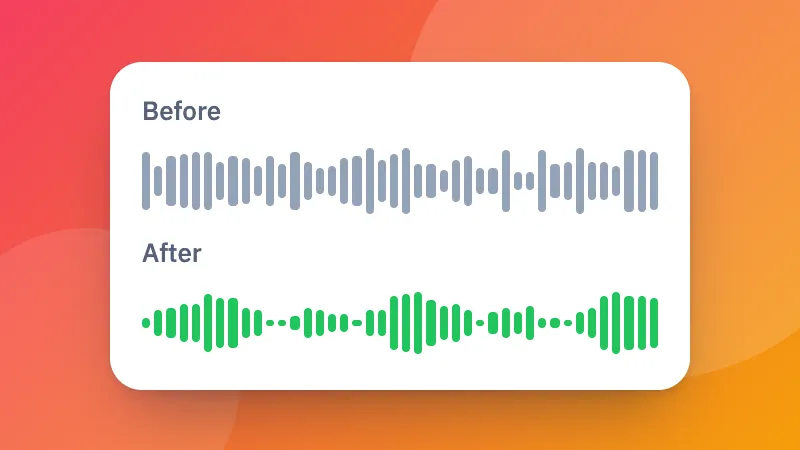
Percepat atau perlambat suara tanpa efek suara tikus, atau naikkan dan turunkan nada dalam semitone.

How to change the speed or pitch of audio

  1. Choose a sound file.
  2. Set the speed and the pitch. Keep the pitch to speed up speech without it sounding odd.
  3. Listen and download it as MP3, M4A or WAV.

For a video, use change video speed. Making it louder too? Try the volume booster.
Frequently asked questions

Can I change the speed without making voices sound like chipmunks?

Yes. Keep “Keep the pitch” ticked and the sound gets faster or slower at the same pitch.

Can I change the pitch without changing the speed?

Yes. Leave the speed at 1× and move the pitch up or down in semitones, for example to sing along in a different key.

What range does it cover?

Speed from half (0.5×) to double (2×), and pitch up or down 12 semitones, a whole octave.

Is my file uploaded?

No. It is changed in your browser and saved as MP3, M4A or WAV.

Masuk ke ZYBERMART

Simpan CV, invoice, flashcard, catatan, dan alat tersimpan Anda di semua perangkat. Gratis, dan semua alat tetap berfungsi sama tanpa akun.

atau

Tanpa kata sandi. Dengan masuk, Anda menyetujui ketentuan kami; lihat cara kami mengelola data Anda di kebijakan privasi.

Akun Anda

Saat keluar, salinan pekerjaan Anda tetap tersimpan di browser ini. Di komputer bersama, hapus data browser setelahnya.

Apa yang ingin Anda buat?

Desain

Media sosial

Dokumen

Belajar

Edit

Lihat semua 282 alat