Instal ZYBERMART

Buka semua alat dari layar utama atau dock, di jendelanya sendiri. Alat yang pernah Anda gunakan juga bisa dipakai offline.

Gabung Audio

Gabungkan file MP3, WAV, M4A, dan audio lain jadi satu, dengan jeda hening atau crossfade halus di antaranya.

How to join audio files

  1. Choose two or more audio files: songs, voice notes, podcast parts or lesson recordings.
  2. Put them in order, and choose what goes between them: nothing, a short silence or a smooth crossfade.
  3. Click Join audio, listen to the result and download it.

Need to cut a part out first? Use the audio cutter. To change the format of a single file, use the audio converter.
Frequently asked questions

Can I join MP3 files without losing quality?

The files are joined and saved again as one MP3 at high quality (192 kbps or more), which sounds the same as the originals. Choose WAV if you need a lossless result.

Can I join files of different formats?

Yes. You can mix MP3, WAV, M4A, OGG, FLAC and even the sound from MP4 videos. Everything is converted to the format you choose.

What does “Even out the volume” do?

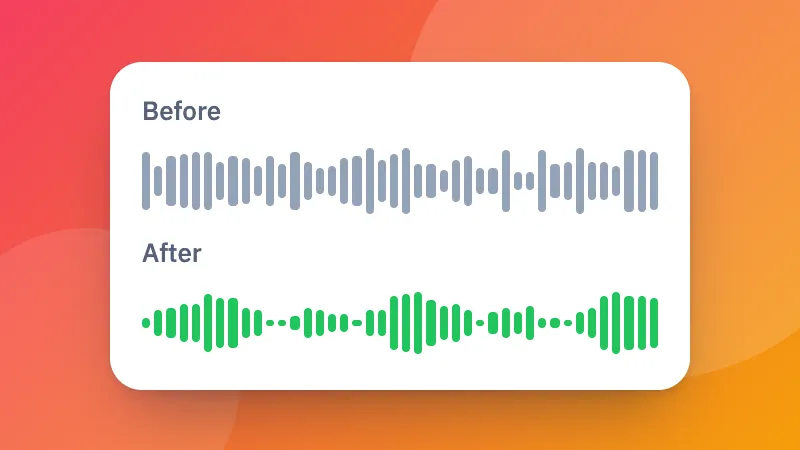
It makes every file about equally loud, so a quiet recording doesn't get lost next to a loud one. It's useful for joining voice notes, lessons or songs from different sources.

Are my files uploaded?

No. Your audio is joined in your browser and never leaves your device.

Masuk ke ZYBERMART

Simpan CV, invoice, flashcard, catatan, dan alat tersimpan Anda di semua perangkat. Gratis, dan semua alat tetap berfungsi sama tanpa akun.

atau

Tanpa kata sandi. Dengan masuk, Anda menyetujui ketentuan kami; lihat cara kami mengelola data Anda di kebijakan privasi.

Akun Anda

Saat keluar, salinan pekerjaan Anda tetap tersimpan di browser ini. Di komputer bersama, hapus data browser setelahnya.

Apa yang ingin Anda buat?

Desain

Media sosial

Dokumen

Belajar

Edit

Lihat semua 282 alat