Installera ZYBERMART

Öppna alla verktyg från hemskärmen eller Dock, i ett eget fönster. Verktyg du har använt fungerar även offline.

Klipp ljud

Klipp ut en del av en låt eller inspelning, lägg till in- eller uttoning och spara som MP3, M4A eller WAV.

How to cut an MP3

  1. Choose your audio file.
  2. Drag across the waveform to select the part to keep, or type the start and end times.
  3. Add a fade if you like, choose the format, and click Save selection.

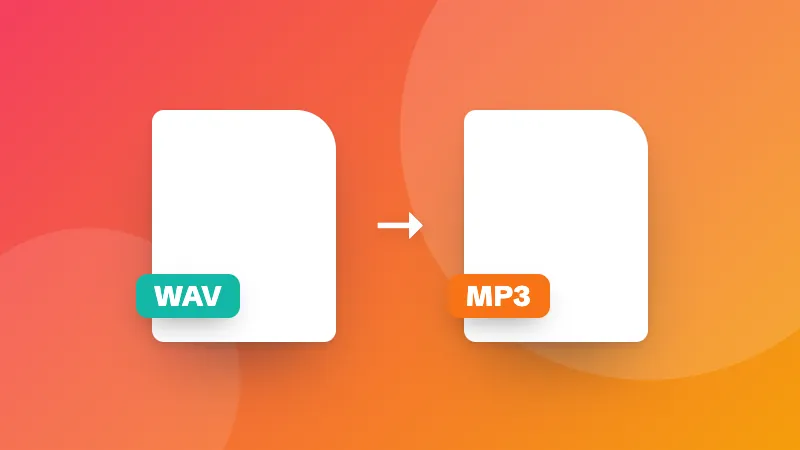
Converting a whole file instead? Use the audio converter.
Frequently asked questions

How do I make a ringtone?

Choose the song, drag on the waveform to select up to 30 seconds (iPhone ringtones can be up to 40 seconds), add a short fade in and fade out, and save it. For Android, save as MP3; for iPhone, save as M4A and add it through Finder, iTunes or GarageBand.

Can I cut audio from a video?

Yes. Choose the video file and its sound is loaded into the cutter.

Does cutting reduce the quality?

The selection is encoded again in the format you choose. At 192 kbps MP3 or M4A the difference isn't noticeable; choose WAV to keep every detail.

Are my files uploaded?

No. The audio is cut in your browser.

Logga in på ZYBERMART

Ha dina CV:n, fakturor, flashcards, anteckningar och sparade verktyg på alla dina enheter. Det är gratis, och verktygen fungerar likadant utan konto.

eller

Inget lösenord behövs. Genom att logga in godkänner du villkoren. Läs hur vi hanterar dina data i integritetspolicyn.

Ditt konto

När du loggar ut finns en kopia av ditt arbete kvar i den här webbläsaren. På en delad dator bör du rensa webbläsardata efteråt.

Vad vill du skapa?

Designer

Sociala medier

Dokument

Studier

Redigera

Visa alla 282 verktyg