Frequently asked questions
What does flattening a PDF do?
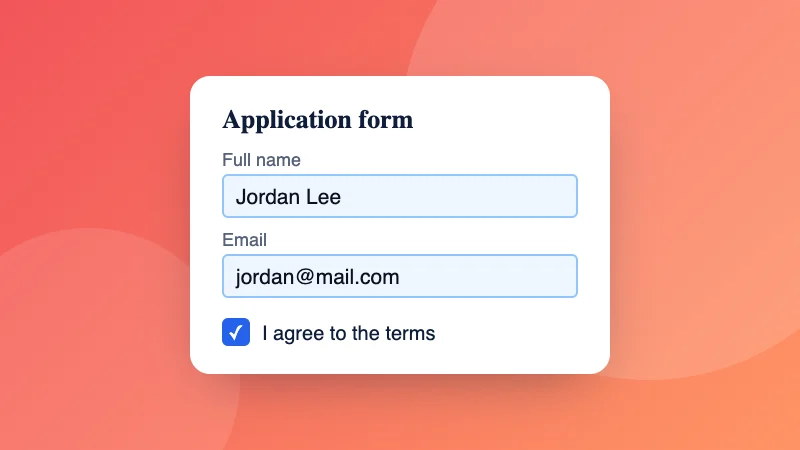
It makes the PDF look the same everywhere and stops it being changed easily. Filled-in form fields become ordinary text on the page, so the answers can't be edited and print correctly in every app.
Which option should I choose?
“Form fields only” keeps the text sharp and searchable, and suits filled-in forms you're sending back. “Everything, as pictures” also bakes in comments, stamps, highlights and signatures, and makes text impossible to edit or copy; the file is usually bigger.
Why do my form answers disappear in some apps?
Some phone apps and printers don't show form fields properly. Flattening turns the answers into page content, so they always show.
Is my PDF uploaded?
No. The PDF is flattened in your browser.
Can I flatten several PDFs at once?
Yes. Choose or drop several PDFs together: each one is flattened the way you choose and they download in one ZIP file.